Skip to content

// mobile terminal

Code from your phone. Ship from anywhere.

Cosyra gives you a persistent Ubuntu terminal on iPhone and Android, with Claude Code, Codex CLI, OpenCode, and Gemini CLI ready when you need them. Pick up work fast, review changes cleanly, and come back to the same workspace later.

// how it works

How do you run Claude Code on a phone?

Cosyra gets you from install to a running AI coding agent in under two minutes. Five steps, same workflow on iPhone and Android.

Workflow varies by who you are. See use cases for commuting, on-call, and no-laptop engineers for the specifics.

  1. Install Cosyra from the App Store or Google Play

    Native iOS and Android apps. Download, sign in, and the onboarding takes under a minute. No server configuration, no SSH keys to manage.

  2. Your Ubuntu cloud container spins up

    An isolated Ubuntu 24.04 container starts in about ten seconds. Claude Code, Codex CLI, OpenCode, Gemini CLI, Node.js, Python, Git, tmux, and vim are already installed.

  3. Paste your API key and run an agent

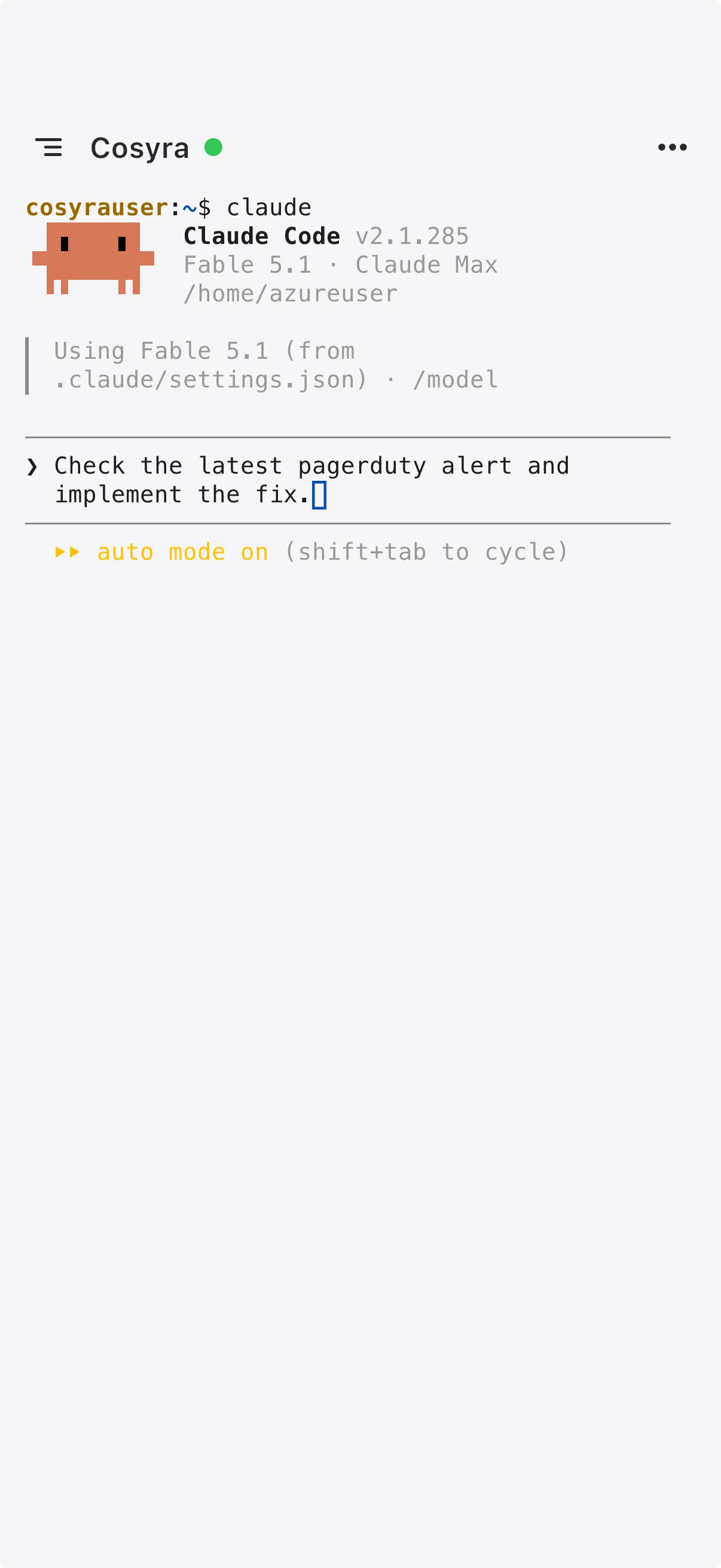
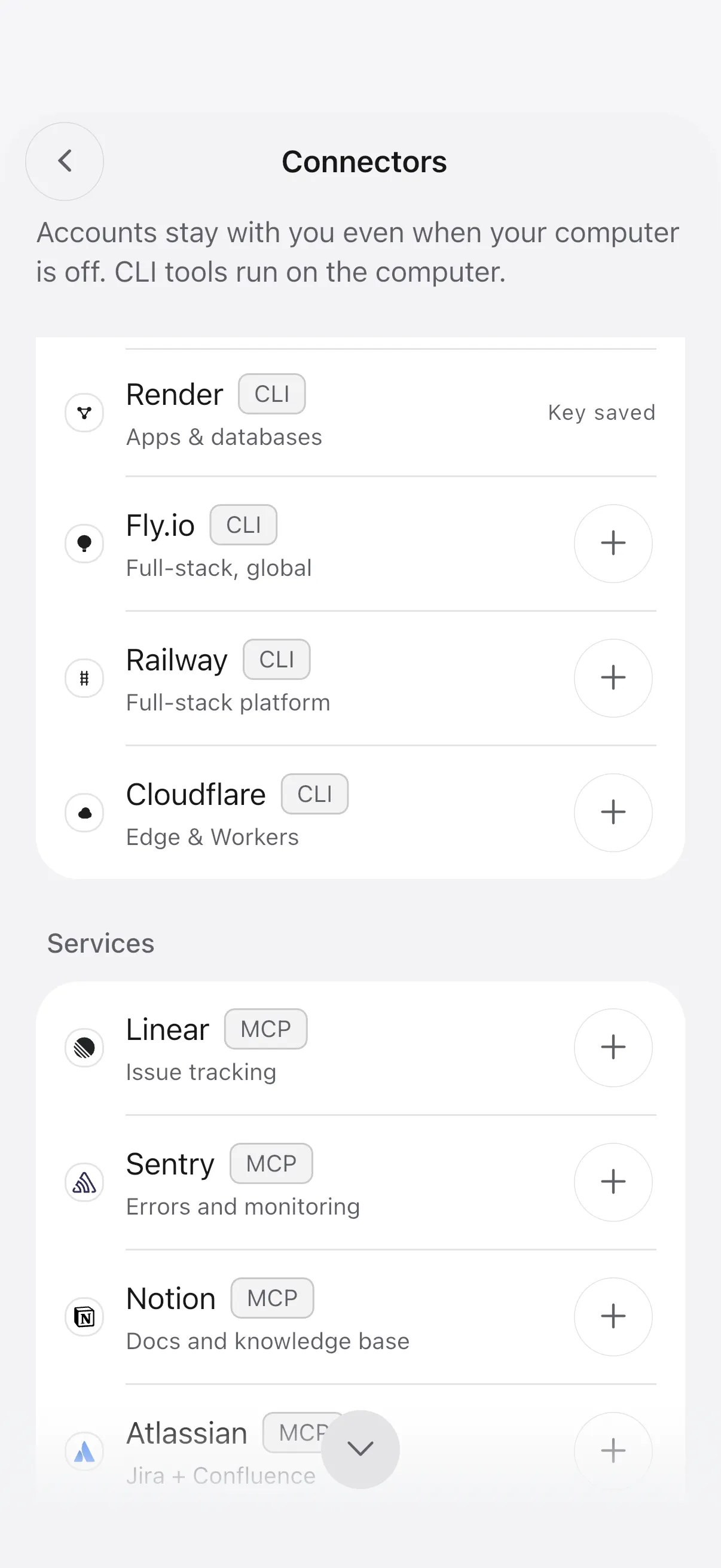
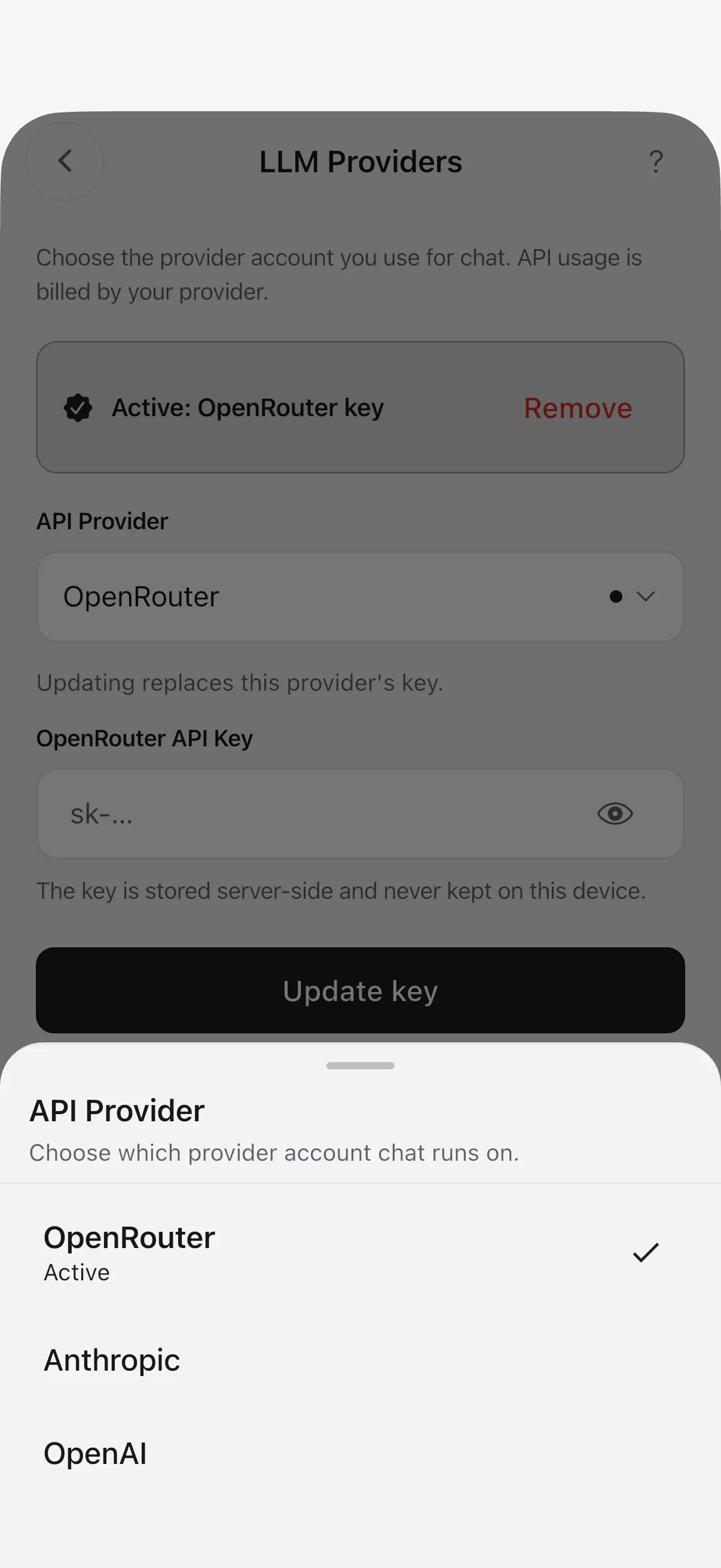
    Open the terminal, type `claude` (or `codex`, `opencode`, `gemini`), paste your API key. Keys are stored on-device with platform-native encryption, transmitted over TLS.

  4. Describe the change. Review the diff. Commit.

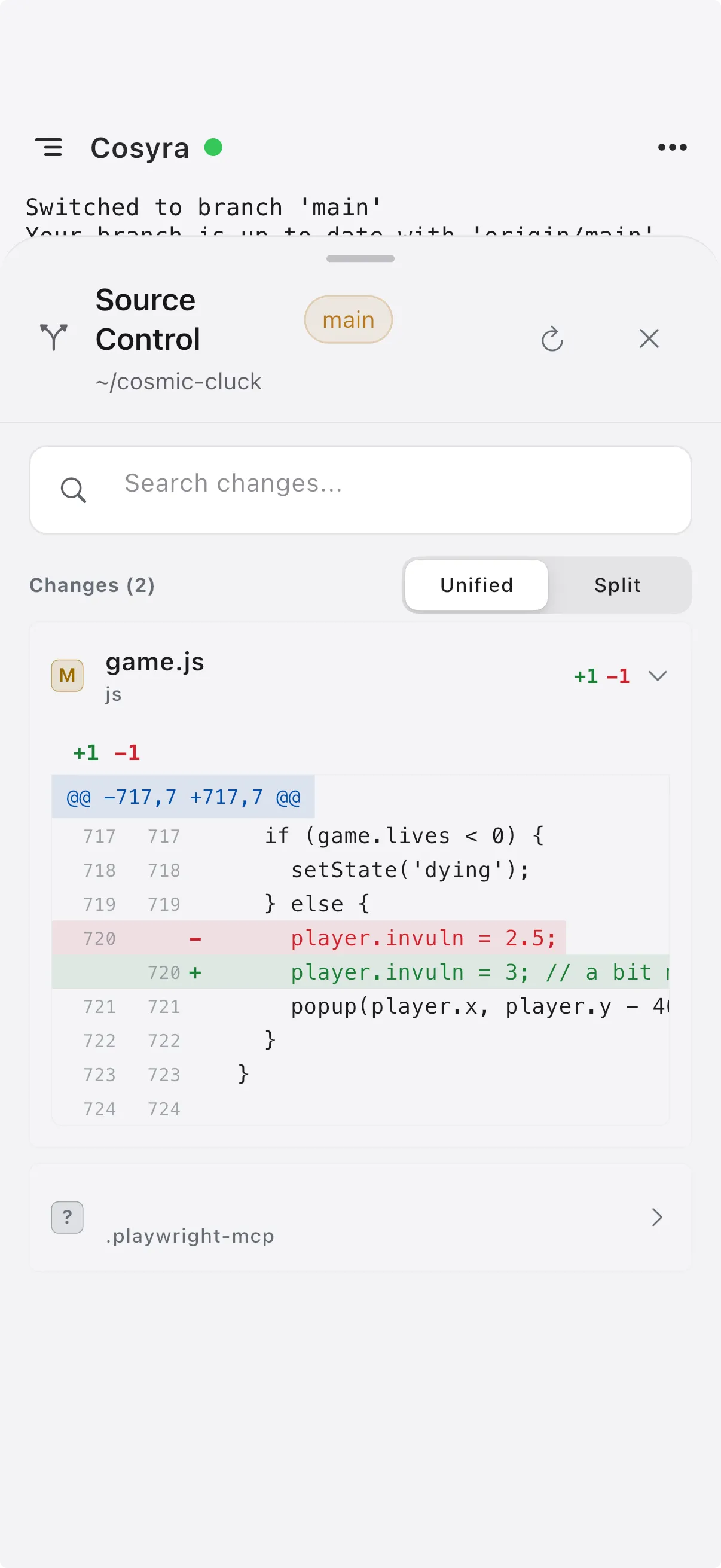
    Direct the agent in natural language, voice-dictated if you prefer. Review generated diffs, approve them, and push to GitHub, all from your phone.

  5. Close the app. Resume later from any device.

    Pro sessions hibernate after ten minutes of inactivity and resume exactly where you left off. Start on iPhone at the coffee shop, finish on Android at home.

Getting started with Cosyra.

Watch a quick tutorial to see how to set up your cloud terminal, connect your tools, and start coding from your phone in minutes.

See the docs

Which AI coding agents run on Cosyra?
All the major ones.

Claude Code, Codex CLI, OpenCode, and Gemini CLI are pre-installed on every Cosyra container. Bring your own API key, open the terminal, and direct your agent in plain language, from iPhone or Android.

Guide: AI coding agents on mobile
~/project, claude

$ claude

╭─────────────────────────────────────────╮

Claude Code v1.2.3 │

╰─────────────────────────────────────────╯

> refactor the auth middleware to handle token refresh

I'll refactor the auth middleware. Here's my plan:

1. Extract token validation into a helper

2. Add automatic refresh when token expires within 5min

3. Update error handling for refresh failures

src/middleware/auth.ts

- import { verify } from 'jsonwebtoken';

+ import { verify, decode } from 'jsonwebtoken';

+ import { refreshToken } from '../lib/auth';

src/lib/auth.ts (new file)

+ export async function refreshToken(token: string) {

+ const decoded = decode(token);

+ // ... refresh logic

~/cosyra, tmux

┌─ git log ────────────┬─ npm test ───────────┐

│ │ │

│ a3f1c2d

│ fix: token refresh │ auth middleware │

│ b7e9a01

│ feat: add rate limit│ rate limiter │

│ c4d2f89

│ chore: update deps │ token validation │

│ e1b3a56

│ docs: API reference │ refresh flow │

│ │ │

│ │ 12 passed, 0 failed

├────────────────────────┴────────────────────────┤

$ npm run build

Compiled successfully in 2.3s

└─────────────────────────────────────────────────┘

Is it a real Linux terminal?
Full Ubuntu, 30 GB persistent.

Yes, Cosyra is a real Ubuntu 24.04 container, not a sandbox or chat wrapper. Node.js, Python, Git, tmux, vim, and cloud CLIs included. Install any package you want. 30 GB persists between sessions.

Guide: mobile coding terminal

Can you ship the full dev lifecycle?
Scope, build, review, deploy.

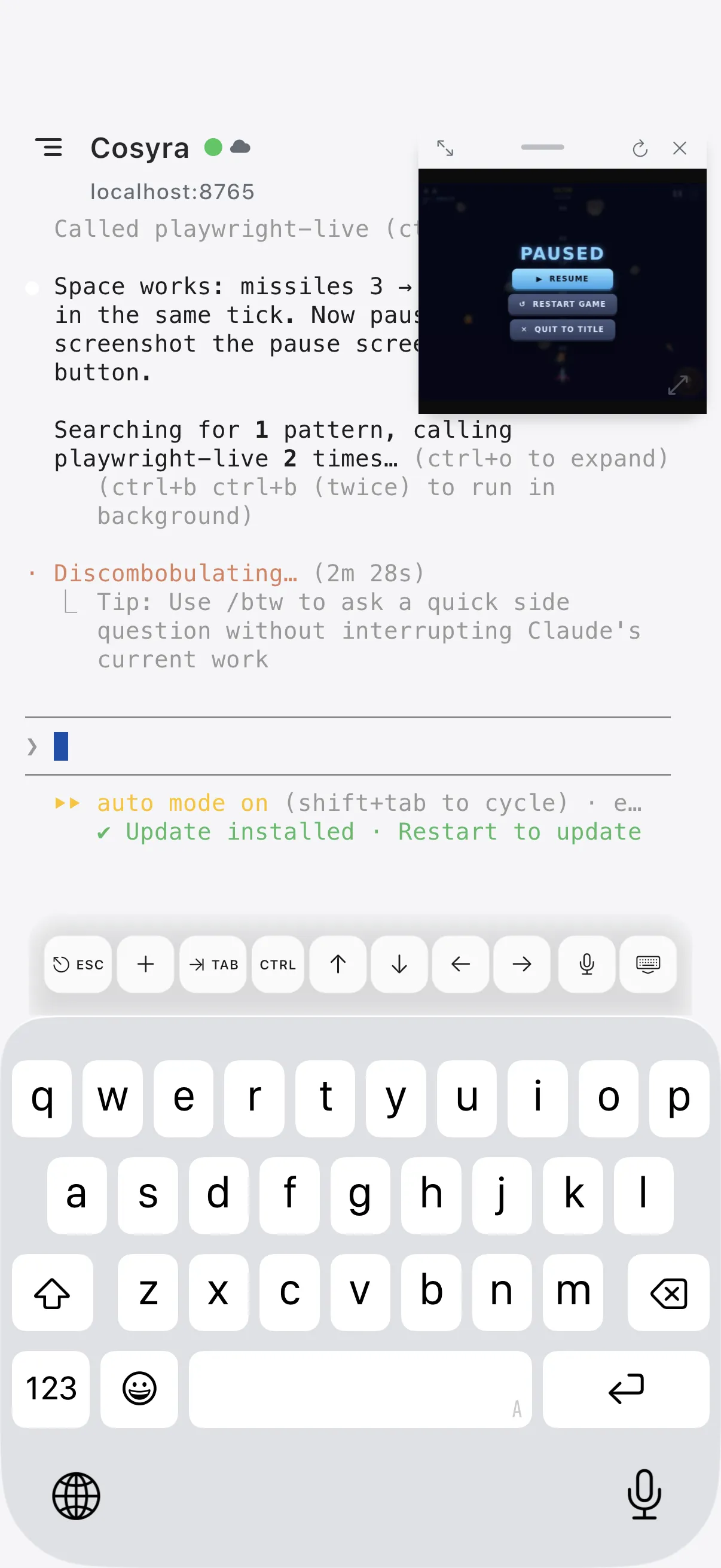
Clone repos, let an agent build the feature, preview localhost on your phone, review diffs, approve PRs, trigger CI, and watch deploys, end-to-end from a phone. Pro sessions hibernate and resume across devices so an overnight agent task meets you in the morning.

Guide: Claude Code on phone
~/cosyra, gh

$ gh pr view 847 --comments

fix: handle token refresh in auth middleware #847

Open · sarahc wants to merge 3 commits into main

+47 -12 across 2 files

─── Comments ───────────────────────────

@sarahc 2 hours ago

Extracted the refresh logic into a helper

and added retry with backoff.

@you just now

LGTM, nice catch on the race condition.

$ gh pr review 847 --approve

✓ Approved pull request #847

// compare

Cosyra vs CloudCLI vs Termux vs SSH

Cosyra is the only option that ships a native iOS and Android app, pre-installed AI coding agents, a full Ubuntu 24.04 container with 30 GB of persistent storage, and session hibernation, with no server to run and no SSH to configure.

Feature comparison: Cosyra, CloudCLI, Termux, and SSH-to-VPS for running AI coding agents on a phone.
Feature Cosyra CloudCLI Termux SSH to VPS
Works on iPhone Yes (native app) Yes No Yes (client only)
Works on Android Yes (native app) Yes Yes Yes (client only)
Claude Code pre-installed Yes Yes No (x86_64 only) You install it
Full Ubuntu Linux Yes (24.04) Yes Partial (ARM userland) If your server is Ubuntu
Server to manage None None None Yes (you run it)
Persistent storage 30 GB Varies Phone storage Your server
Session hibernation Yes (Pro) Varies N/A tmux manually
Price $29.99/mo Varies Free $5–20/mo VPS

Reviewed April 2026. Competitor offerings vary, see individual vendors for terms.

// faq

Common questions about Cosyra

Direct answers for the questions developers ask before they trust a mobile terminal with real work.

Can I run Claude Code on my iPhone?

Yes. Cosyra gives you an isolated Ubuntu 24.04 container with Claude Code, Codex CLI, OpenCode, and Gemini CLI pre-installed. You access that Linux environment from a native iPhone app, so you can run Claude Code on iPhone without setting up your own VPS or SSH workflow. See our step-by-step Claude Code on phone guide for the full walkthrough.

Can I run Claude Code on Android?

Yes. Cosyra ships a native Android app that connects to the same hosted Ubuntu environment. Claude Code, Codex CLI, OpenCode, and Gemini CLI are pre-installed, and other CLI tools may work if their Linux package and runtime requirements fit the container. The Claude Code on phone guide covers both iPhone and Android setup.

Can I run Codex CLI on my phone?

Yes. Codex CLI comes pre-installed in the same cloud Ubuntu environment, so you can run Codex CLI on phone from either iPhone or Android without building your own mobile terminal stack first. Our Codex CLI on phone guide covers the setup and tradeoffs.

What is a mobile coding terminal?

A mobile coding terminal is a phone app that gives you terminal access for real development work on mobile. In Cosyra's case, that means a cloud-hosted Linux container you open from iPhone or Android. Unlike Termux, which is a local Android terminal, a mobile cloud terminal gives you persistent storage and a standard Linux environment for common CLI workflows. We break down the category in what is a mobile coding terminal.

How is Cosyra different from Termux?

Termux is a local Android terminal running an ARM userland on your phone. Claude Code and other Node.js-based agents can be installed on Termux via npm with workarounds, but Android 12+'s phantom process killer can terminate long sessions, and native installers built for x86_64 Linux do not run. Cosyra runs a full x86_64 Ubuntu container in the cloud, available on both iPhone and Android, with AI agents pre-installed and without the same local Android background-process limits. Read the full Cosyra vs Termux comparison.

How is Cosyra different from SSH'ing into my own server?

Cosyra removes the server. There is no VPS to rent, no Linux distro to pick, no SSH keys to configure, no tmux session to keep alive, and no firewall to punch through. You install the app, sign in, and your container starts with Claude Code, Codex CLI, OpenCode, and Gemini CLI already installed. See Cosyra vs CloudCLI for a direct comparison of hosted mobile terminals.

Which AI CLI tools does Cosyra support?

Claude Code, Codex CLI, OpenCode, and Gemini CLI come pre-installed. The container also includes Node.js, Python, Git, tmux, vim, and standard dev tools. You can install additional CLI tools yourself, but compatibility depends on each tool's Linux package, architecture, and runtime requirements. Our AI coding agents on mobile guide covers the pre-installed set in depth.

Do I need my own API keys?

Yes. Cosyra follows a bring-your-own-key model so you use your own Anthropic, OpenAI, or Google provider accounts and keep direct control over usage and billing. Keys are stored on-device with platform-native encryption and transmitted over TLS to your container.

Can I use Cosyra for private or proprietary code?

Yes. Each user gets their own isolated cloud container. Your code and files stay within your environment rather than being shared across users. AI interactions go directly from your container to the provider you choose using your own API key.

Do Cosyra sessions persist between app opens?

Yes. Your files persist between sessions on 30 GB of storage attached to your container. Pro users get session hibernation: your container pauses after ten minutes of inactivity and resumes with your session state restored when you reopen the app, so in normal use you can pick up where you left off without re-cloning the repo.

How much does Cosyra cost?

Free trial of 10 hours or 7 days. After the trial, Pro is $29.99/month or $300/year and includes 120 hours/month of compute, 30 GB of persistent storage, and session hibernation. Subscriptions are via in-app purchase on the App Store or Google Play and can be cancelled anytime.

Is Cosyra just Claude Code mobile?

No. Claude Code is one of four AI coding agents Cosyra ships. Cosyra is a mobile coding terminal with a Linux environment for common CLI work such as Git, Node.js, Python, tmux, and the AI agents you install yourself. Some repos need heavier services or system dependencies, so verify project-specific requirements before relying on a phone-only setup. See who uses Cosyra: on-call engineers, commuters, and no-laptop developers.

Start coding from your phone.

Free trial included. Subscription required after trial.