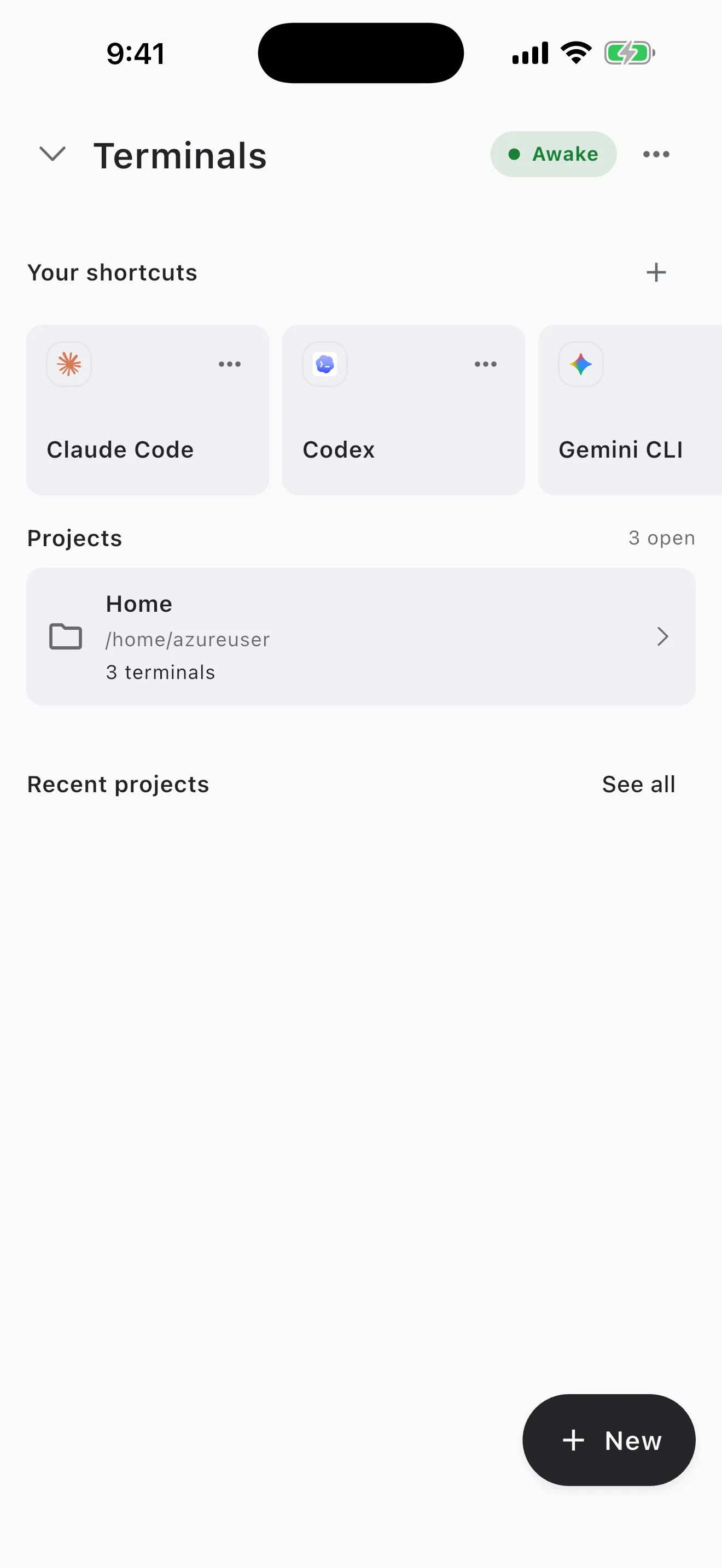
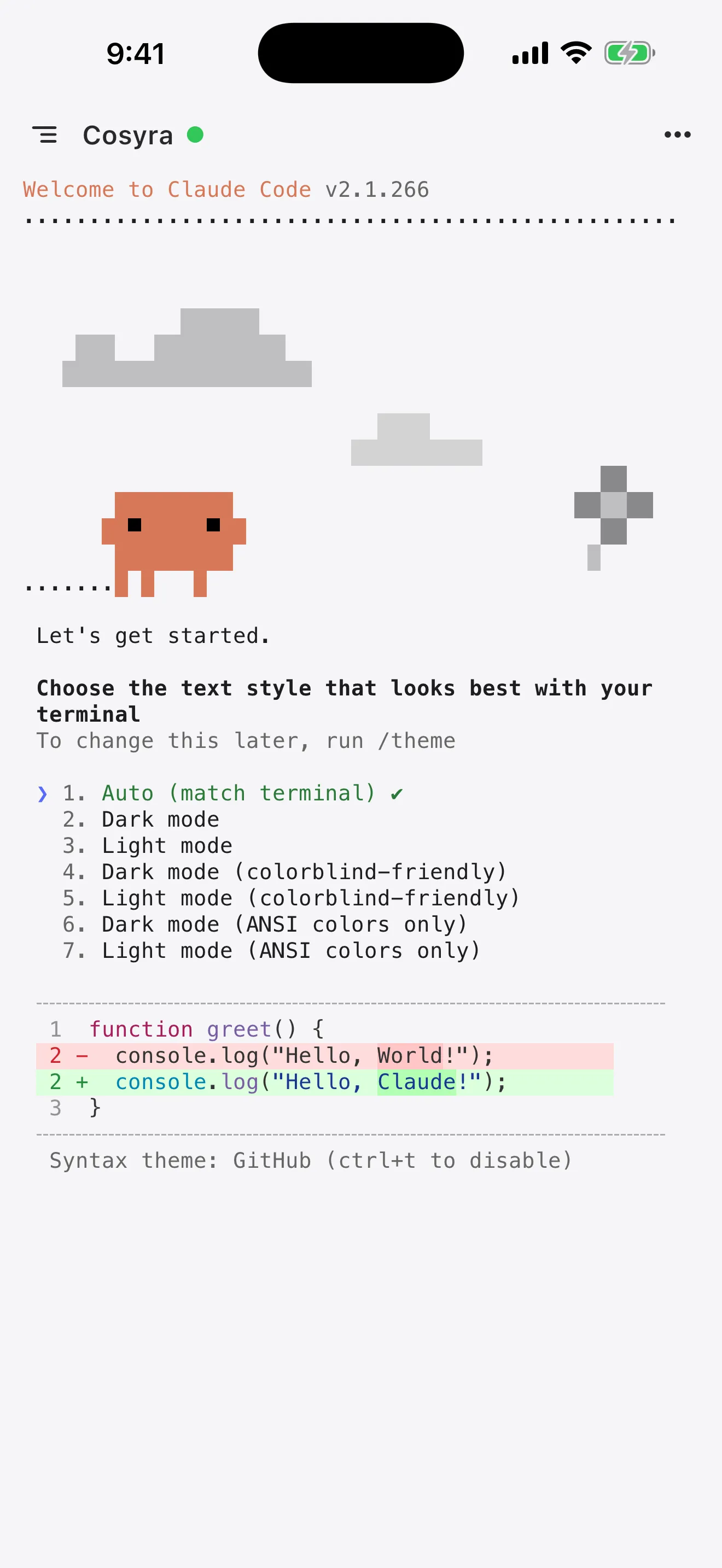
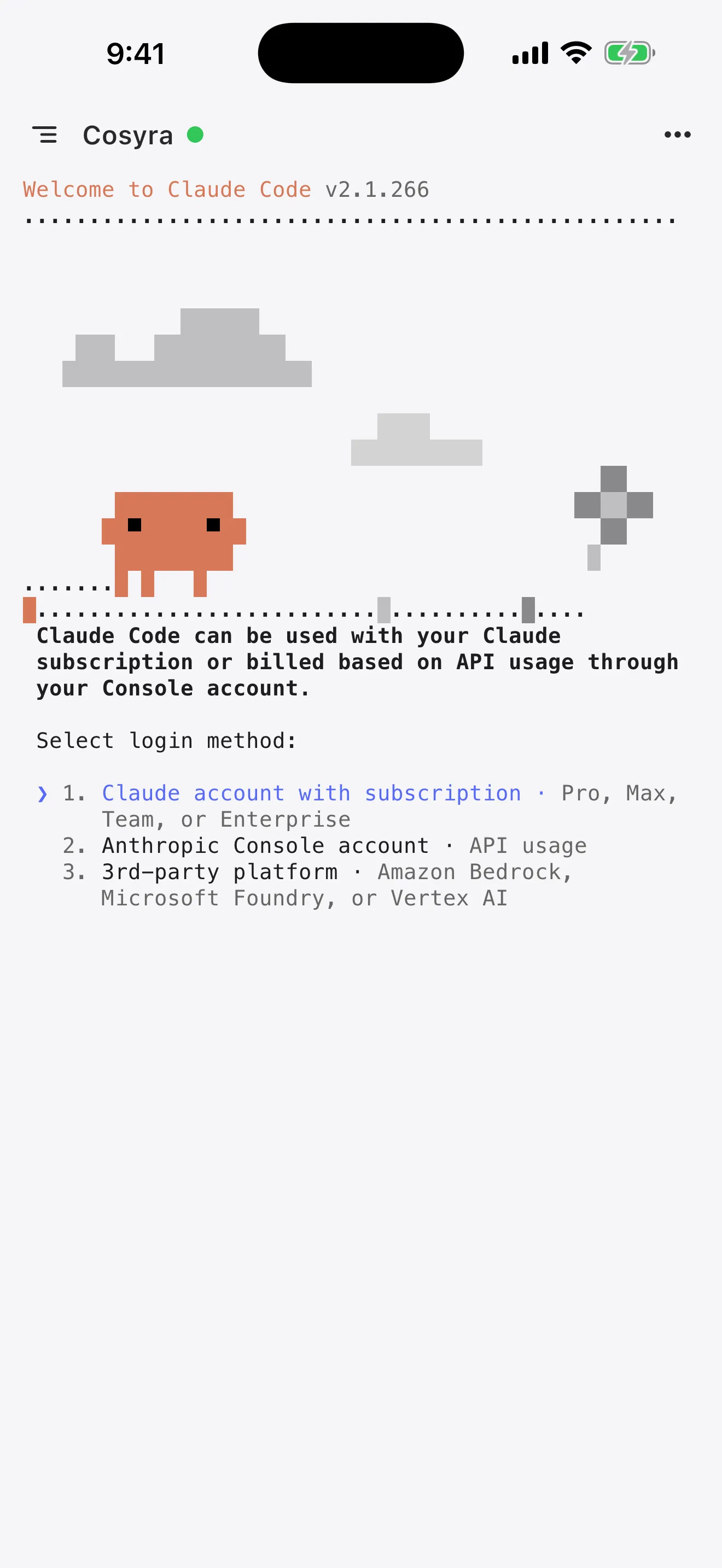
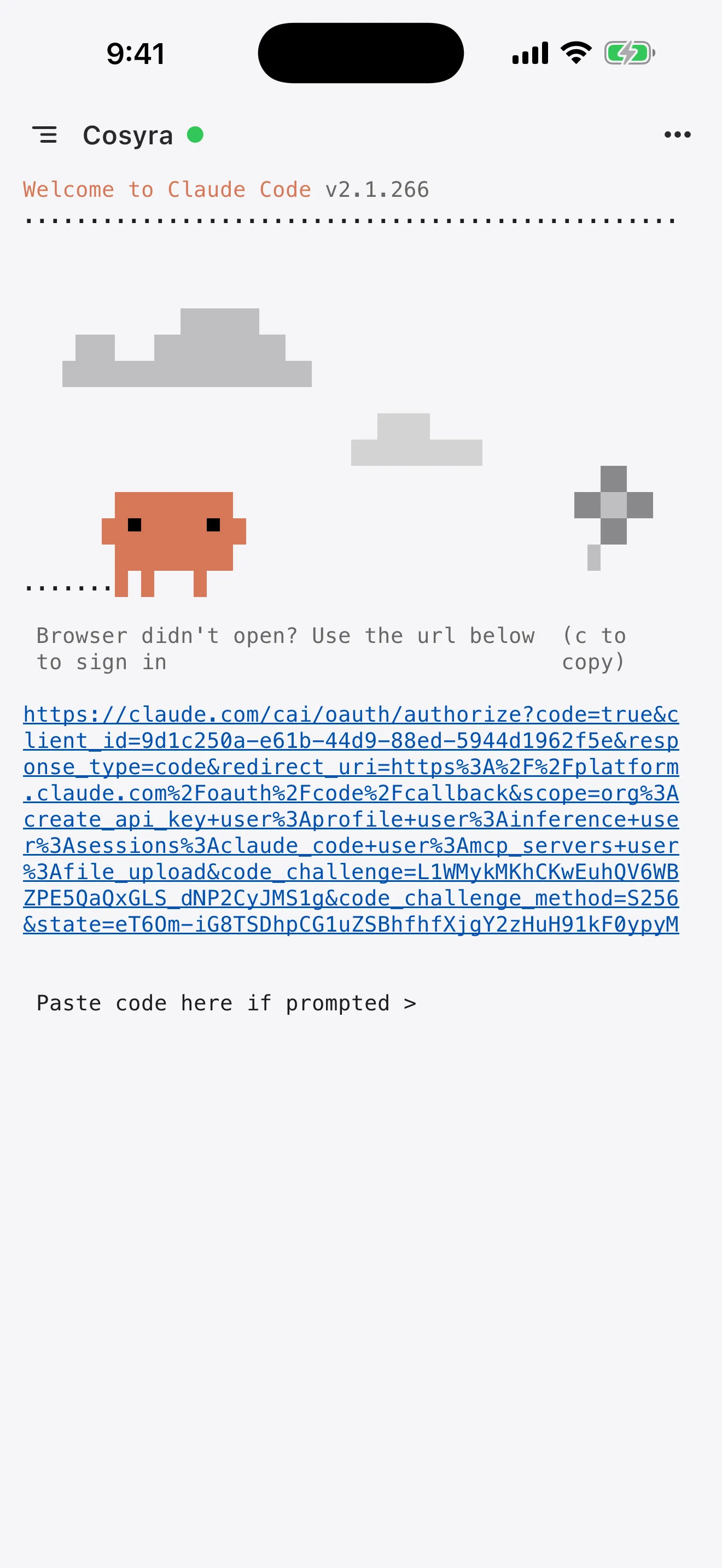
You can run Claude Code on your phone right now, iPhone or Android. The
fastest path: install Cosyra for iOS or
Cosyra for Android, add your Anthropic API key,
and type claude in the terminal. You get a persistent Ubuntu container
with Claude Code pre-installed, no SSH tunnel to maintain, no laptop that needs
to stay awake. Free trial, 10 hours, no credit card.
This guide covers three ways to get Claude Code running on your phone, walks through setup step by step, and shows real workflows we use daily from a phone. If you already know you want the full picture of all four AI agents on mobile, start there, this page goes deep on Claude Code specifically.
Why Claude Code works on a phone
Claude Code is a terminal-based agent. You type a prompt, it reads your
codebase, writes code across multiple files, runs tests, and proposes
changes for you to accept or reject. The interaction model is short input,
long output, you send a sentence, Claude Code sends back a diff. That ratio
is what makes a phone screen workable. You're not typing
if (err != nil) { return fmt.Errorf(...) } on a glass keyboard.
You're typing "fix the nil pointer crash in the auth handler" and reviewing what
the agent produces.
We think Claude Code on a phone is not a compromise, it's a better interface for certain tasks than a laptop. When you're on the train and a CI pipeline fails, pulling out a laptop means finding a seat, opening the lid, waiting for it to wake, SSHing in. On the phone, the container is already running. Tap, type the prompt, approve the fix, push. We've shipped production hotfixes from the back of an Uber this way.
Three ways to run Claude Code on your phone
Each approach solves a different constraint. Here's what actually works, with honest trade-offs.
1. SSH into a machine running Claude Code
The classic: run Claude Code on a desktop or VPS, SSH in from Blink Shell (iOS) or Termux (Android). Add Tailscale for zero-config networking and tmux to keep the session alive when you switch apps.
- Works when: you have a reliable always-on machine and you're comfortable with SSH + tmux setup.
- Breaks when: your MacBook sleeps, your VPS reboots, or your home network goes down. You're debugging infrastructure instead of writing code.
- Cost: free if you have existing hardware, plus whatever the VPS costs if you don't.
2. Claude Code Remote Control
Anthropic's built-in feature: run /rc inside a Claude Code session
on your desktop, scan the QR code with your phone, and you get a mobile browser
interface to the running session. You can read output and approve permission requests.
- Works when: you have an active Claude Code session on a desktop and you want to monitor or approve from your phone.
- Breaks when: you don't have a desktop session running, or you want to start new work from scratch on your phone. Remote Control is a viewer, not a full terminal.
- Cost: free (included with Claude Code).
3. Cloud terminal with Claude Code pre-installed
This is what we built with Cosyra. A native mobile app that connects to a persistent Ubuntu container in the cloud with Claude Code already set up. No SSH, no desktop dependency, no browser tabs that time out.
- Works when: you want to start or continue Claude Code work from your phone with zero setup. No other machine required.
- Breaks when: you have no internet connection (the container is in the cloud). Or if you need a specific corporate VPN that Cosyra doesn't route through.
- Cost: $29.99/month after a free trial (10 hours, no credit card). See pricing for details.
Step-by-step: Claude Code on iPhone or Android
This walkthrough uses Cosyra. Total time: about 2 minutes.
Step 1: Install and create a container
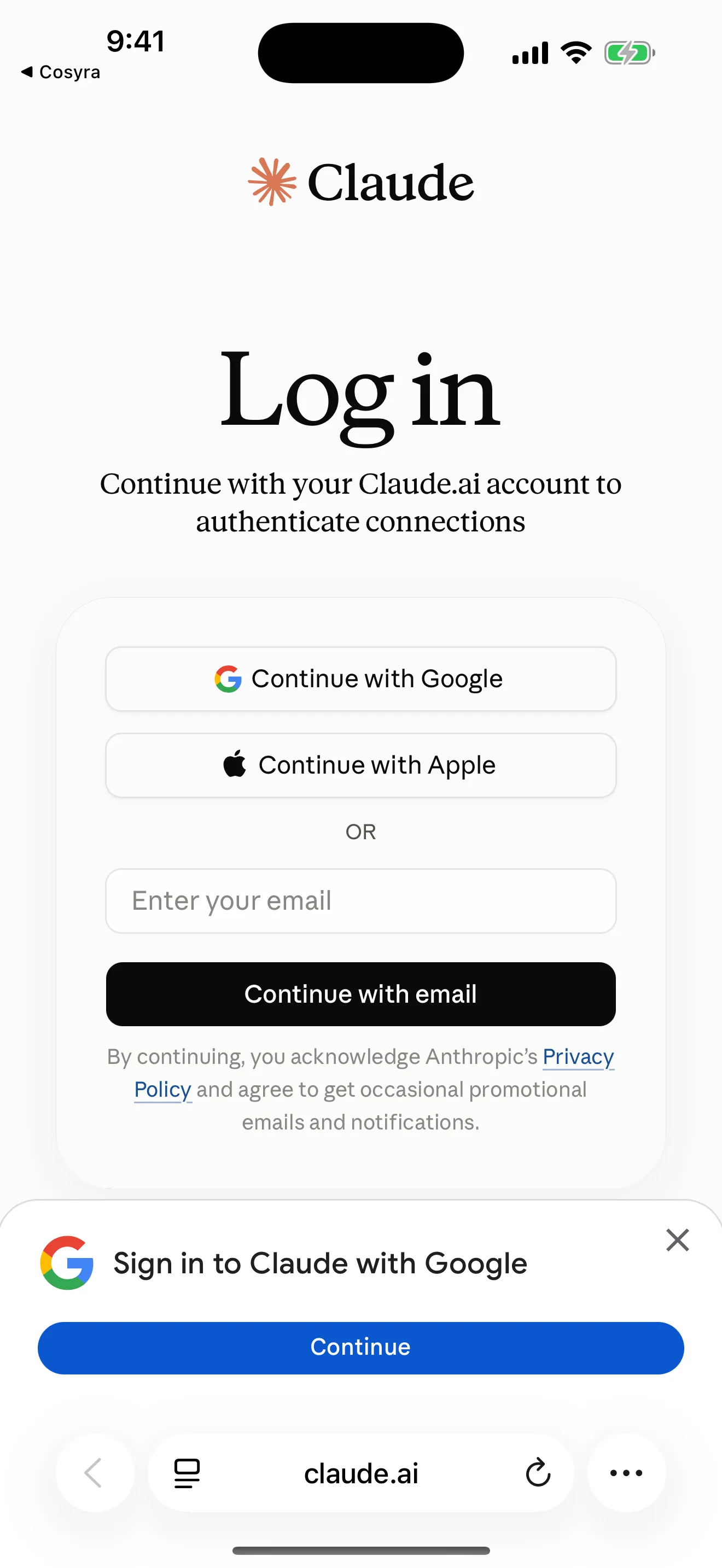
Download Cosyra from the App Store or Google Play. Sign up with email or Sign in with Apple/Google. The app provisions a fresh Ubuntu container on first launch. In our testing, that took about 15 seconds.
Step 2: Add your Anthropic API key
Claude Code needs an Anthropic API key. Get one from console.anthropic.com if you don't have one yet. Then set it in your container:
$ # Set the key (persists across sessions)
$ echo 'export ANTHROPIC_API_KEY="sk-ant-your-key-here"' >> ~/.bashrc
$ source ~/.bashrc
$ # Verify it works
$ claude --version
Claude Code v1.0.33
Your API key is stored in the container's .bashrc. Cosyra
encrypts keys on-device before transmitting them to the container over an
encrypted connection. You pay Anthropic directly at their standard token
rates, Cosyra never touches your API billing.
Step 3: Clone a repo and start Claude Code
$ git clone https://github.com/your-org/your-project.git
Cloning into 'your-project'...
Receiving objects: 100% (1847/1847), done.
$ cd your-project
$ claude
Claude Code v1.0.33
Type your prompt, or type "/" for commands.
> Find the bug causing the 500 error on /api/users and fix it
Claude Code indexes the codebase, identifies the issue, proposes a fix across the relevant files, and asks for your approval. You review the diff on your phone screen and accept or reject each change.
Try it free. 10 hours of compute, no credit card required. App Store / Google Play / Pricing details
Real workflows: what we actually do from a phone
Abstract descriptions of "mobile coding" are useless without showing what the actual sessions look like. Here are three workflows we run regularly from a phone.
Fix a failing CI build between meetings
Slack notification: CI is red on main. You're between meetings with 8 minutes. Open Cosyra, pull latest, and point Claude Code at it:
$ git pull origin main
Already up to date.
$ claude
> The CI build is failing. Run the test suite, find what broke,
fix it, and show me the diff before committing.
Claude Code runs the tests, traces the failure to a missing null check in
src/api/handlers.ts, proposes a two-line fix, and waits for
your approval. You read the diff, approve, and Claude Code commits and
pushes. Total time on phone: 4 minutes.
Start a feature while waiting for your kid's soccer practice to end
You've been thinking about adding rate limiting to the API. You have 20 minutes in a parking lot. Open the container, describe what you want:
$ claude
> Add rate limiting middleware to the Express API.
Use a sliding window counter with Redis.
100 requests per minute per API key.
Return 429 with a Retry-After header.
Add tests.
Claude Code creates the middleware file, wires it into the Express app, writes tests, and runs them. You review each step. The container persists, so you can pick it up later on your laptop if you want, or keep going from the phone.
Review a PR on the morning commute
A teammate opened a PR overnight. You're on the subway with 12 minutes until your stop.
$ git fetch origin
$ git checkout origin/feature/new-auth
$ claude
> Review the diff between main and this branch.
Focus on security issues, missing error handling,
and test coverage gaps.
Claude Code reads every changed file, checks test coverage, and produces a
structured review with specific line references. You post the review as a PR
comment directly from the terminal using
gh pr review --comment. Done before your stop.
Claude Code tips for phone sessions
- Use tmux for long tasks. If Claude Code is working through
a large refactor (10-20 minutes), run it inside
tmux new -s work. Close the app, come back, reattach withtmux attach -t work. The agent keeps running. - Be specific in your prompts. On a phone, you want fewer back-and-forth cycles. Instead of "improve the auth module," say "add JWT refresh token rotation to the auth module, update the tests, and make sure the existing session tests still pass." One detailed prompt beats five vague ones when you're typing with your thumbs.
- Use
/compactto manage context. On long sessions, Claude Code's context window fills up. The/compactcommand summarizes the conversation and frees space. Useful when your phone session spans multiple tasks. - Push from the container. The container has full git support.
Set up your SSH key or use the GitHub CLI (
gh auth login) and push directly. No need to switch devices. See Cosyra docs for SSH key setup. - Session hibernation preserves state. Close the app and your terminal, files, and running processes pause. Come back hours later, everything resumes where you left off. No tmux reattach, no reconnecting.
Compared to other remote Claude Code options
The ecosystem of "run Claude Code from your phone" tools has grown fast. Here's how the approaches compare as of 2026-04-16:
| Feature | Cosyra | SSH + Blink/Termux | Claude Remote Control |
|---|---|---|---|
| Full terminal access | Yes | Yes | Monitor + approve only |
| Start new Claude Code work | Yes | Yes | No (existing session only) |
| Requires desktop/server | No | Yes (always-on) | Yes (active session) |
| Native mobile app | iOS + Android | Blink (iOS) / Termux (Android) | Mobile browser |
| Claude Code pre-installed | Yes | You install on server | Runs on desktop |
| Persistent storage | 30 GB | Depends on server | Desktop filesystem |
| Session survives app close | Yes (hibernation) | Yes (tmux) | Yes (desktop keeps running) |
| Setup time | ~2 min | 15-30 min | ~1 min (if desktop running) |
| Price | $29.99/mo after trial | Free + server cost | Free |
Remote Control wins on price and simplicity if you already have a desktop session running. SSH wins on flexibility if you have reliable infrastructure. Cosyra wins when you want to start or continue Claude Code work from your phone without depending on another machine.
Frequently asked questions
What is the best way to use Claude Code from my phone?
A cloud terminal like Cosyra gives you the most complete experience, full
terminal access with Claude Code pre-installed, no desktop dependency. If
you have an always-on machine, SSH + Tailscale + tmux works. For quick
approvals on an existing session, Claude Code's Remote Control (/rc) is the lightest option.
How do you AI code from your phone?
Install a mobile cloud terminal, add your API key, and run the AI agent in a real Linux terminal. The phone keyboard is fine because the agent writes the code, you send short prompts and review diffs. The shift from "typing code" to "directing an agent" is what makes phone screens viable for real development work.
[source: Hacker News, Ask HN: How do you AI code from your phone?]
Does Claude Code work on Android?
Claude Code is a Node.js CLI, so technically yes, with friction. On
Termux you can pkg install nodejs git then
npm install -g @anthropic-ai/claude-code and add a shell alias
because the npm package no longer ships a global CLI entry point (see the
community claude-code-termux repo for the exact steps). The official native installer does not work on Termux
because of Android ABI issues, and on Android 12+ the OS phantom process killer
can terminate long Claude sessions with signal 9. For a zero-setup path, a cloud
terminal like Cosyra runs Claude Code in a real x86_64 Ubuntu container reached
from the Android app. We walk through the full trade-off in
Cosyra vs Termux.
[source: Hacker News, Ask HN: Do you ever wish you could code from your phone?]
Do I need to keep my laptop running to use Claude Code remotely?
With SSH or Remote Control, yes, the Claude Code process runs on your machine. If it sleeps or disconnects, the session dies (unless you used tmux). With a cloud terminal, Claude Code runs on cloud infrastructure. Your laptop can be off entirely.
[source: Hacker News, Show HN: Claude Code Remote]
Can I approve Claude Code permission requests from my phone?
Yes, two ways. Claude Code's Remote Control shows permission prompts in a mobile browser tied to a desktop session. With Cosyra, prompts appear inline in the mobile terminal, no desktop needed. Community tools like claude-remote-approver add push notification approval for SSH setups.
[source: GitHub, claude-code issues]
Is Claude Code free to use on mobile?
Claude Code itself is free to install, you pay Anthropic per token via your API key at their standard rates. The environment to run it has separate costs: Cosyra is $29.99/month after a free trial (10 hours, no credit card), SSH is free if you have hardware, and Remote Control is free but requires a desktop session.
tl;dr
Claude Code runs on x86_64 Linux, not directly on phones. Three ways to bridge that gap: SSH into your own machine, Claude Code Remote Control for monitoring an existing session, or a cloud terminal like Cosyra for full access with no desktop dependency.
App Store / Google Play, Free trial, 10 hours, no credit card.
Run Claude Code from your phone in 2 minutes.
Install Cosyra, add your Anthropic API key, type claude.