Skip to content

// guides

OpenCode on iPad: 3 Ways to Run It

You can run OpenCode on an iPad today, but not directly on iPadOS. The fastest path is Cosyra on the App Store. The same iOS app runs natively on iPad Pro, iPad Air, and iPad mini, and the Ubuntu container it provisions has Anomaly's opencode CLI already installed alongside Claude Code, Codex CLI, and Gemini CLI. Pair a Magic Keyboard, connect a model provider, type opencode, and the agent is up. Sign up gets you 1 hour free, no credit card. The two other real options, running opencode web on your own box and opening it in Safari, or SSH from Blink Shell into a machine where you installed it, are covered below, because OpenCode has no native iPad app and the path you pick decides what babysits the host.

This guide is the iPad-specific companion to our OpenCode on your phone walkthrough, which is our most-read guide. The phone version covers iPhone and Android generically, and there is a dedicated OpenCode on iPhone guide for the iOS-only host paths; this one focuses on what changes when the screen gets bigger: Magic Keyboard, Split View, Stage Manager, and the way an iPad plus a real keyboard turns into a serious coding client. If you want the broader picture of all four AI agents on mobile, start there. If you are weighing OpenCode against Anthropic's agent, our Claude Code vs OpenCode comparison lines them up feature by feature, and our Claude Code on iPad guide is the sibling to this one for the same form factor.

Quick decision. Jump to the part that matches your situation:

  • I want OpenCode running, no box of my own. Cloud container, native iPad app, three-minute setup. Cosyra iPad setup ↓
  • I already run an always-on Linux box. opencode web over Safari, or SSH from Blink. The three ways compared ↓
  • I saw a native OpenCode iOS app online. Those are community clients to a server you host — covered below. Self-hosted options ↓
  • OpenCode or Claude Code on the bigger screen? On iPad you can run both in one container. FAQ on agent choice ↓

Why is there no OpenCode app for iPad?

There is no OpenCode app for iPad because OpenCode is a CLI binary, not a phone app. It is Anomaly's open-source AI coding agent (the project was previously under the SST org). It is MIT-licensed, multi-provider across Anthropic, OpenAI, Google, and local models, with a TUI by default. As of 2026-06-27 it sits at roughly 180,000 GitHub stars on v1.17.11, and the install matrix in the README covers macOS, Linux, and Windows. iPadOS is not on that list, and unlike OpenAI's Codex there is no managed cloud agent you can just open in a browser.

Here is the opinion that the "just SSH into a server" crowd pushes back on: chaining your iPad to a Linux box in a closet at home defeats the reason you reached for an iPad in the first place. The whole appeal of a tablet is that it goes on the train and the couch with nothing tethering it. The moment your home box sleeps or the network drops, an SSH-only setup has nothing to talk to. That is why we run the container in the cloud: there is no machine of yours to keep awake, and the same OpenCode session is reachable whether you are on the iPad now or an iPhone in a waiting room later.

A note before the options, because a quick search for "OpenCode iPad" turns up native iOS apps: those exist, but they are community-built clients (for example opencode-mobile) that connect to an OpenCode server you run, not the agent running on the tablet. They are honest, useful projects, but they still need a host. Every iPad path lands on the same question: whose Linux box runs OpenCode, yours or ours.

Decision flowchart for running OpenCode on iPad: if you do not own an always-on Linux box, use Cosyra's cloud container with a native iPad app; if you do, pick the opencode TUI over SSH from Blink Shell or the opencode web browser UI in Safari. OpenCode has no native iOS app, iSH cannot run its x86 binaries, and Termux is Android-only, so iPad always needs a remote Linux host.
How to pick an OpenCode-on-iPad path in 2026. Built by the Cosyra team from hands-on testing on an iPad Pro M4 with a Magic Keyboard (created 2026-06-25).

What are the three ways to run OpenCode on iPad?

There are three real ways to run OpenCode from an iPad as of 2026-06-25: a cloud container with OpenCode pre-installed (Cosyra), opencode web on your own remote box opened in Safari, and SSH from Blink Shell into a machine where you installed OpenCode yourself. They are not interchangeable — the difference is who provides the always-on Linux host. We walk through each below.

1. Cosyra (cloud terminal, OpenCode pre-installed)

This is what we build. The Cosyra iOS app is a universal binary that runs on iPad with the full iPadOS UI: multitasking, Slide Over, Split View, Stage Manager, external display. You get a persistent Ubuntu 24.04 container with OpenCode, Claude Code, Codex CLI, and Gemini CLI already installed, 30 GB storage, and session hibernation that resumes exactly where you left off. Because the container is x86_64 Ubuntu with glibc and Node 20+ — exactly the environment OpenCode's Linux build expects — the Termux misdetection bug and the missing-arm64 postinstall failure that plague phone installs simply do not happen here. The same container is reachable from iPhone, Android, or web.

2. opencode web on your own box, opened in Safari

OpenCode's client/server design is the genuinely clever part here, and it is where OpenCode beats every closed agent: opencode web starts a headless server with a browser UI you can drive from anywhere. The catch is the binding. Per OpenCode's web docs, the command "starts a local server on 127.0.0.1 with a random available port" — localhost only. To reach it from an iPad you run opencode web --hostname 0.0.0.0 on the host and set OPENCODE_SERVER_PASSWORD, then open the host's address in Safari. The same applies to the opencode serve HTTP API that the community iOS clients connect to.

3. SSH from Blink Shell to your own machine

The classic remote-into-your-own-box path, and the most battle-tested. Blink Shell is a paid iOS terminal ($19.99 annual subscription as of 2026-06-25 per the App Store listing) with Mosh and tmux support refined over years. You SSH into a desktop or VPS where you ran npm i -g opencode-ai, start tmux so the session survives app switching, and drive the opencode TUI from there.

How do you run OpenCode on iPad with Cosyra?

You set up OpenCode on iPad in about three minutes: install Cosyra from the App Store, pair a Magic Keyboard (optional but recommended), connect a model provider, and type opencode. No npm install, no --hostname 0.0.0.0, no SSH tunnel, no box of your own. The steps below are exactly what we run on a fresh iPad.

Step 1: Install Cosyra on iPad

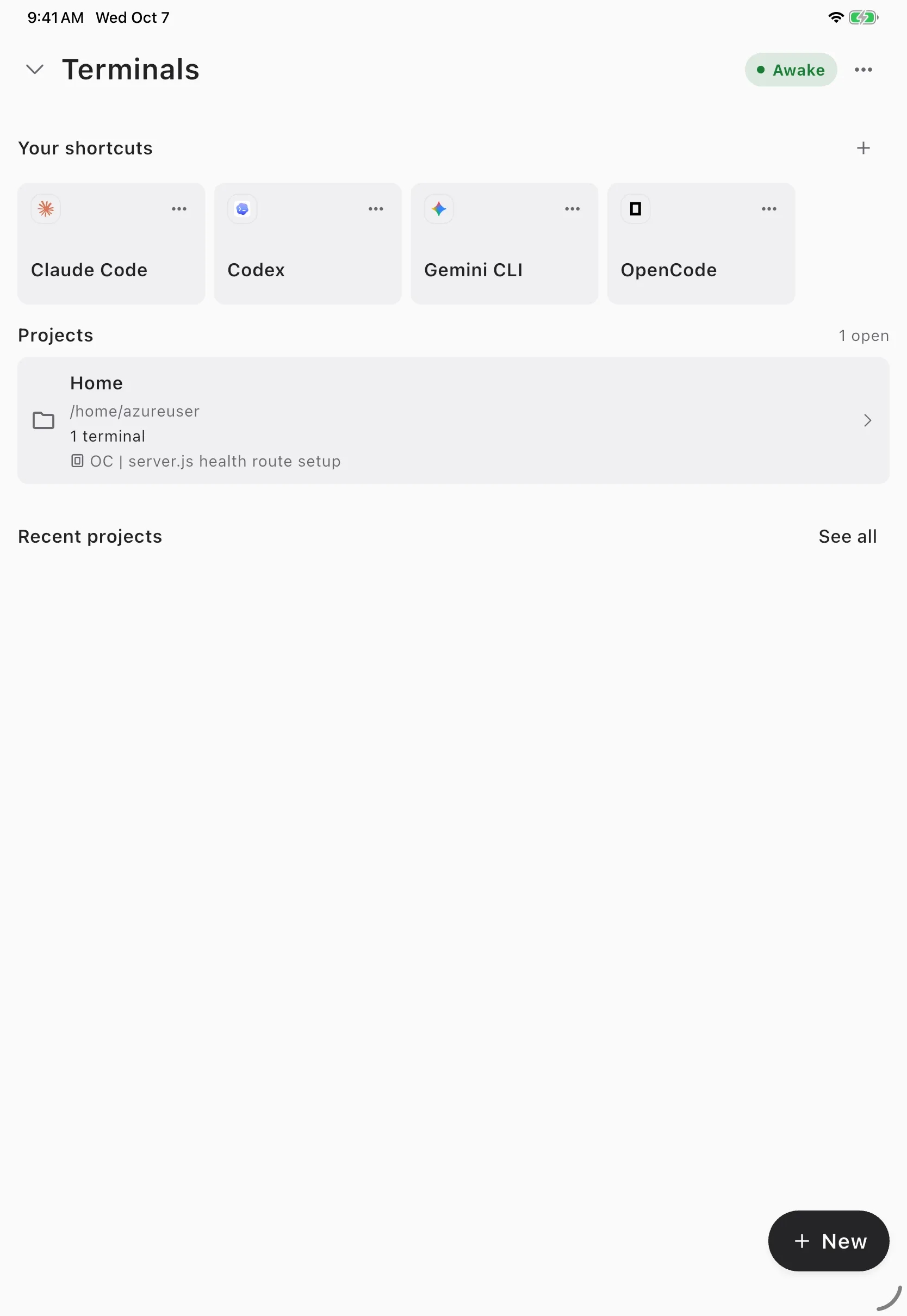
Open the App Store on your iPad and search for Cosyra. The app is a universal iOS binary, so the same listing covers iPhone, iPad Pro, iPad Air, and iPad mini. Sign in with Apple, Google, or email and the app provisions a fresh Ubuntu 24.04 container on first launch, with OpenCode already on the PATH. The first launch takes about 15 seconds in our testing.

Step 2: Pair a Magic Keyboard and arrange Split View

Attach the Magic Keyboard or any Bluetooth keyboard with a trackpad. The trackpad is the part that matters: it gives you a cursor for text selection, link tapping, and scrollback that the on-screen interface cannot. Then pull a second app in as Split View — we usually keep Safari on the right with the GitHub repo open and Cosyra on the left with the OpenCode TUI. On M-series iPads (any M1/M2/M3/M4 iPad Pro or iPad Air from 2022 onward) you can switch to Stage Manager for floating, resizable windows and a second display over USB-C.

Step 3: Connect a provider and run opencode

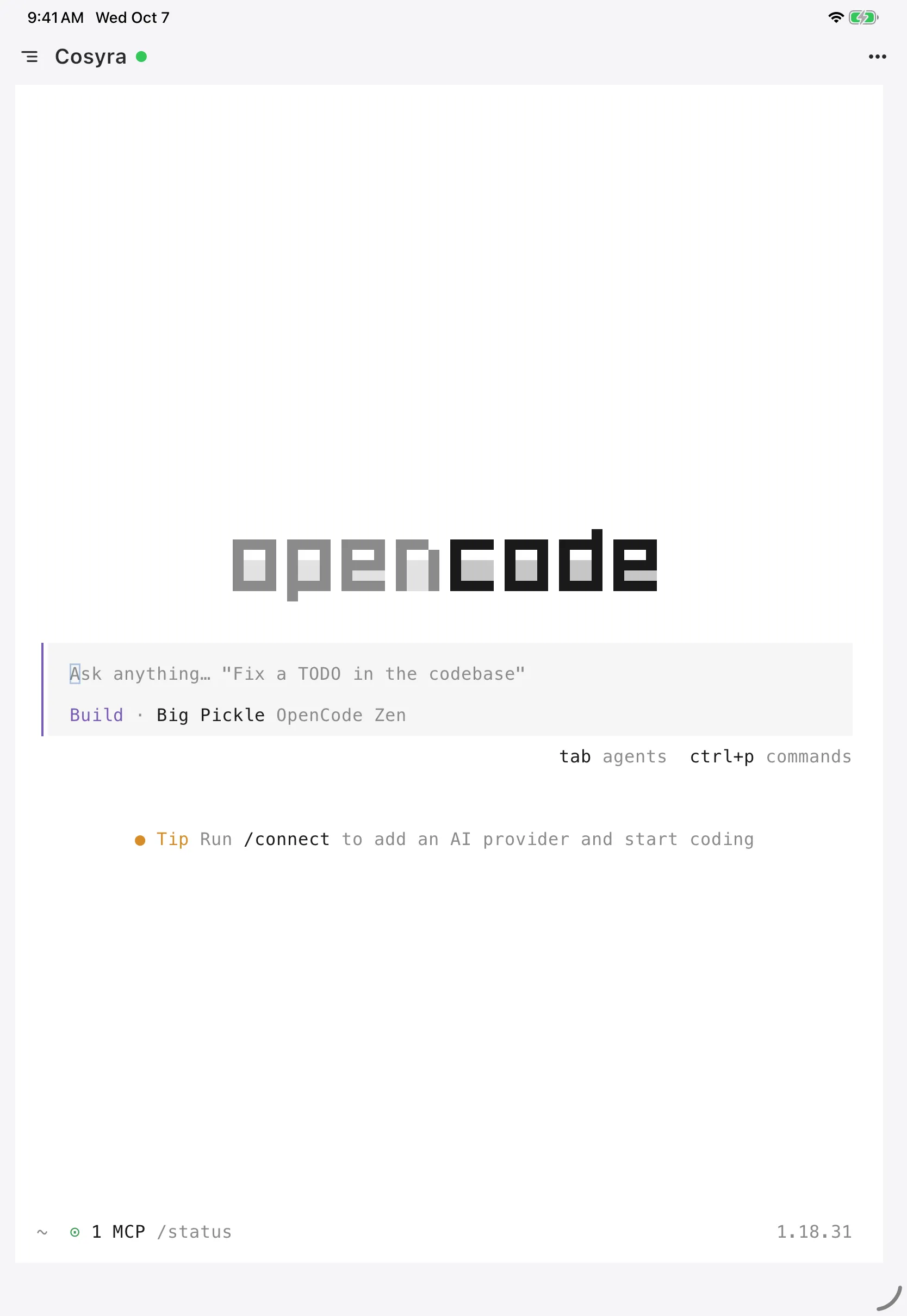
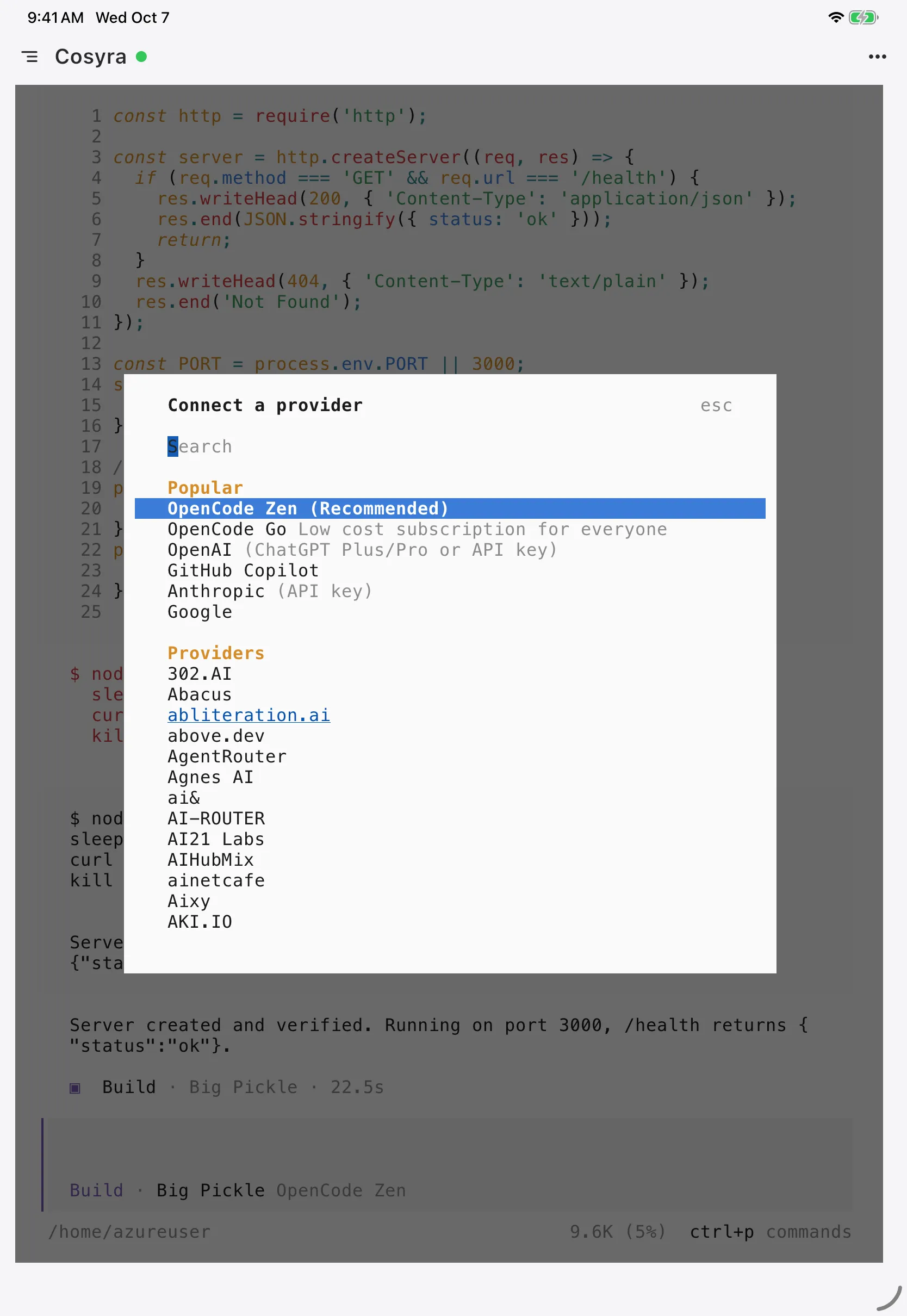
OpenCode is provider-agnostic, so the first step is telling it which model to use. The interactive way is opencode auth login, which walks you through Anthropic, OpenAI, Google, or a local backend. The key-export way is the most predictable inside a container:

cosyra on iPad, connecting a provider to OpenCode

$ # Set a provider key (persists across sessions)

$ echo 'export ANTHROPIC_API_KEY="sk-ant-your-key"' >> ~/.bashrc

$ source ~/.bashrc


$ opencode --version

1.17.11

Clone a repo and start a session:

cosyra on iPad, starting an OpenCode session

$ git clone https://github.com/your-org/your-project.git

Cloning into 'your-project'...

$ cd your-project

$ opencode

OpenCode 1.17.11 · agent: build · model: claude

Indexed 142 files. Ready.


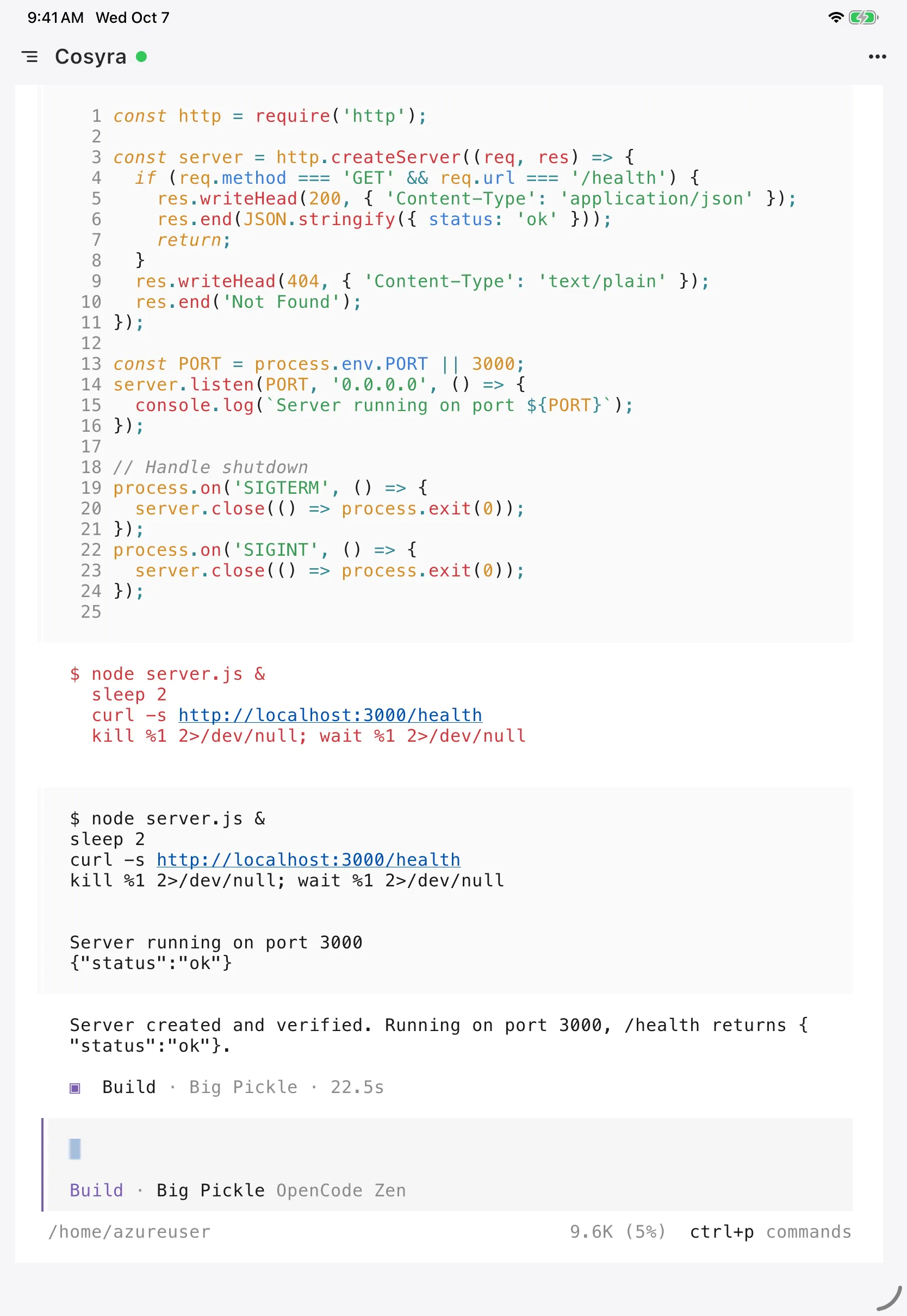
> Add a /health endpoint, register the route, and write a test.

OpenCode reads the repo and starts working. It ships two built-in agents: the default build agent has edit access, and the plan agent is read-only for when you want analysis before any changes. Switch models mid-session with --model provider/model — that one flag is OpenCode's signature trick and the reason a lot of people keep it in the rotation next to Claude Code. On iPad, the larger screen means you can read the full diff without scrolling, which is the single biggest ergonomic win over the phone.

Try it free. 1 hour on signup, no credit card. Extend with a 10-hour, 7-day trial when you want more. App Store / Google Play / Pricing details

Which iPad keyboard shortcuts matter for OpenCode?

The iPad shortcuts that matter for OpenCode are the iPadOS multitasking ones, not in-app ones. Cosyra is a normal terminal, so the OpenCode TUI gets Ctrl-C, Ctrl-D, and the arrow keys once a hardware keyboard is attached. The system-level shortcuts worth memorizing:

What does iPad OpenCode look like in practice?

iPad OpenCode in practice looks like Cosyra on the left with the TUI, Safari on the right with the repo or docs, and short typed or spoken tasks driving the agent. Two workflows we run from an iPad regularly:

Couch feature work with Split View

Evening on the couch, you want a small endpoint added before tomorrow. Open Cosyra, pull the branch, drag Safari in with the repo, switch OpenCode to the model you want, and hand it the task:

cosyra on iPad, an OpenCode task with a model switch

$ git checkout -b feature/health-endpoint

$ opencode --model anthropic/claude-sonnet-4-6


> Add GET /health returning {status:'ok'}, register the route,

add a passing test, then run the suite.

OpenCode writes the handler, wires the route, adds the test, and runs the suite, streaming each step. You read the diff on the big screen and commit with git commit from the same terminal. No laptop in the loop.

Plan agent first, build agent second, on an external display

Plug an M-series iPad Pro into a USB-C display and enable Stage Manager. Start with opencode --agent plan in one window to get a read-only analysis of how a refactor should go, then run the default build agent in a second window to execute it, with Safari showing the staging environment. Because both run in the same Ubuntu container, they see the same files and git history, so you are not syncing anything. The iPad is the workstation; the container is the source of truth.

How do the iPad OpenCode options compare?

The options compare cleanly when you line them up against what matters for an agent: does OpenCode actually run, who supplies the always-on host, and what happens when that host sleeps. The table covers the three real iPad paths as of 2026-06-25. For the wider field of editors and cloud terminals beyond OpenCode, our coding on iPad guide lines every option up the same way.

Feature Cosyra (iPad app) opencode web (Safari) SSH via Blink
OpenCode actually runs Yes (in container) On your box On your box
Native iPadOS app Yes Safari only Yes (Blink)
Who supplies the host We do You do You do
OpenCode pre-installed Yes You install it You install it
Requires another machine No Yes (always-on) Yes (always-on)
Other CLIs alongside Claude, Codex, Gemini Whatever you install Whatever you install
Persistent storage Yes (30 GB) Depends on host Depends on host
Setup time ~3 min 15–30 min 15–30 min
Cost on iPad $29.99/mo after trial Free + host $19.99/yr + host

Choose Cosyra if you want OpenCode genuinely running with no machine of your own and the same container across iPad, iPhone, and Android. Choose opencode web if you already run a box and like the browser UI. Choose Blink plus SSH if you want full control of your own host and trust your tmux setup. The honest tie-breaker is the closet test: if there is a machine at home you are willing to keep awake forever, the self-hosted paths are free; if there is not, the cloud container is the only one that survives the train.

Frequently asked questions

Can you actually run OpenCode on an iPad?

Not directly on iPadOS. OpenCode ships prebuilt binaries for macOS, Linux, and Windows only. There is no iOS build and no managed cloud surface. So running it on an iPad always means reaching a Linux host: a cloud container with OpenCode pre-installed (Cosyra), your own box running opencode web that you open in Safari, or SSH from Blink Shell into a machine where you installed it.

Can I drive OpenCode from iPad Safari with the web command?

Yes, if you run the server on a remote Linux box. opencode web starts a browser UI, but by default it binds to 127.0.0.1 (localhost only). To reach it from an iPad you run opencode web --hostname 0.0.0.0 on the host and set OPENCODE_SERVER_PASSWORD, then open the host's address in Safari. You still need a Linux machine somewhere running that server.

Are there native OpenCode apps for iPhone or iPad?

Only community-built ones, not an official app. Developers have shipped third-party iOS clients (for example opencode-mobile) that connect over the network to an OpenCode server you run yourself, with QR pairing and streaming. They are real and useful, but they still need a host running opencode serve somewhere. They do not run the agent on the tablet.

Why does the OpenCode web UI struggle in a mobile browser?

Because the web UI was built desktop-first and mobile handling is still catching up. On Hacker News, users reported enough bugs using opencode web on mobile that they fell back to Termux; a maintainer acknowledged the mobile problems and said they were changing fast. Inside a Cosyra container we sidestep this by running the native OpenCode TUI in a real terminal rather than the browser UI.

Does OpenCode cost money to run on iPad?

OpenCode itself is free and MIT-licensed, so the software costs nothing. You pay your model provider per token (Anthropic, OpenAI, Google) with your own key. On Cosyra you also pay for the container that runs it ($29.99/month after the free tier), but the agent and your provider billing are unchanged; we never proxy or meter your model usage.

Should I run OpenCode or Claude Code on my iPad?

Run whichever fits the model and workflow you want. OpenCode is provider-agnostic and open source, so you switch between Anthropic, OpenAI, Google, or a local model on a flag; Claude Code is Anthropic-only but tightly integrated. On iPad you do not have to choose. A Cosyra container pre-installs both. Our Claude Code vs OpenCode comparison goes feature by feature.

tl;dr

OpenCode does not run on iPadOS directly. It has no native app and no managed cloud. Three real ways to use it from an iPad as of 2026-06-25: Cosyra (cloud terminal, native iPadOS app, OpenCode pre-installed, no machine of your own required), opencode web on a box you run opened in Safari (free software, but you supply and babysit the host), or SSH from Blink Shell into your own machine ($19.99/yr plus host). Want OpenCode actually running with nothing of your own to keep awake? Use Cosyra.

App Store / Google Play. Sign up, 1 hour free, no credit card. Extend with a 10-hour, 7-day trial when you want more.

Run OpenCode on your iPad in 3 minutes. Install Cosyra, connect a provider, type opencode.

See pricing