Pick in three taps
Claude Code, computer stays on, chat
Claude app by Anthropic
Anthropic's own app. Remote Control puts the Claude Code session from your computer in its Code tab.
On your computer
$ claude remote-control Press space for a QR code, scan it with your phone, open the Code tab. Catch: Close the lid and it stops: your computer and the claude process have to stay on. Needs a Pro plan or higher; API keys don't work.
Remote Control docs →Codex, computer stays on, chat
ChatGPT app by OpenAI
OpenAI's own app. Its Codex tab runs tasks on your Mac or PC and asks you to approve actions.
In the ChatGPT desktop app
Catch: If the computer sleeps or the desktop app closes, remote access stops. Mac or Windows only.
Codex remote docs →Claude Code and Codex, computer stays on, chat
Happy
Free and open source. One app for both agents, over an end-to-end encrypted relay.
On your computer
$ npm install -g happy $ happy claude $ happy codex Catch: Your computer has to stay on.
Happy on GitHub →Any agent, computer stays on, full terminal
Termius
An SSH client for iPhone and Android with a free plan. It connects straight to your computer, with no relay.
In Termius
$ ssh you@your-mac $ tmux new -s agent $ claude # or codex Catch: You make the computer reachable away from home, usually with Tailscale, and keep it on. Pro is $10/month on annual billing.
termius.com →Claude Code, computer off, chat
Claude app, cloud sessions by Anthropic
Claude Code runs on Anthropic's machines and keeps going after you close your laptop.
On your phone
Catch: It works from GitHub, not the files on your laptop. Claude Code only, Pro plan or higher.
Cloud sessions docs →Codex, computer off, chat
ChatGPT app, Codex cloud by OpenAI
Codex runs the task in OpenAI's cloud while your computer is off.
On your phone
Catch: You set up a cloud environment in Codex first. Codex only.
Codex mobile docs →Computer off, full terminal or both agents
Cosyra
We make this one. A cloud Linux workspace with Claude Code, Codex and OpenCode installed, as a real terminal or a chat. It keeps your files and keeps working with your laptop shut or your phone offline.
On your phone
Catch: $20/month after a 7-day App Store trial.
Get Cosyra →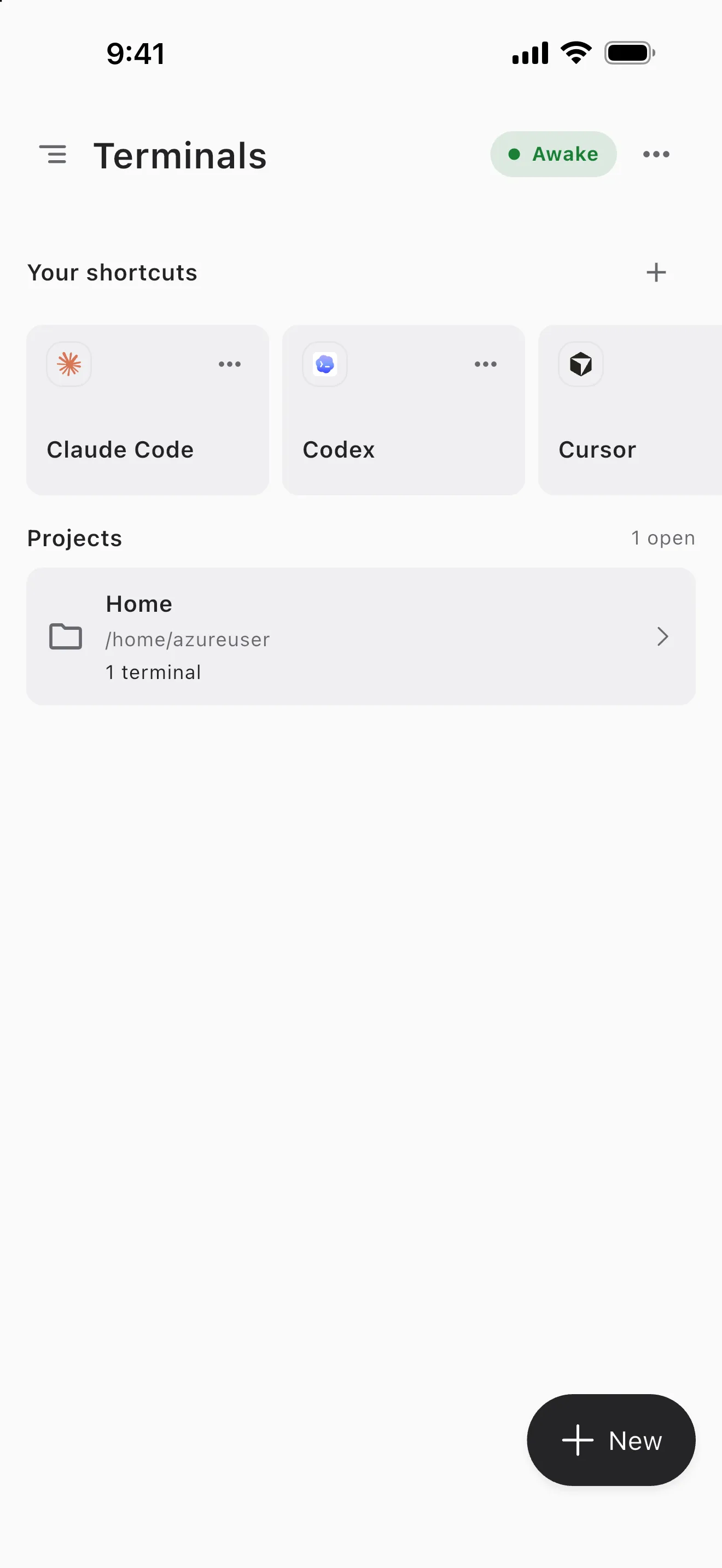
Commands checked against each app's docs on 2026-11-08. We make Cosyra.
Questions
What is the best mobile app for Claude Code?
If your computer stays on, the Claude app: Anthropic's own, with Remote Control in its Code tab. If it's off, Claude's cloud sessions run tasks on GitHub repos, and Cosyra gives you a full terminal in a cloud Linux workspace. Happy is the free pick if you also use Codex.
What is the best mobile app for Codex?
If your Mac or PC stays on, the ChatGPT app, connected from the ChatGPT desktop app. With the computer off, use Codex cloud tasks in the same app, or Cosyra for the full Codex CLI in a terminal.
Can Claude Code or Codex run on the phone itself?
No. Every app here shows the session on your phone while the agent runs on your computer, Anthropic's or OpenAI's cloud, or a cloud workspace like Cosyra.