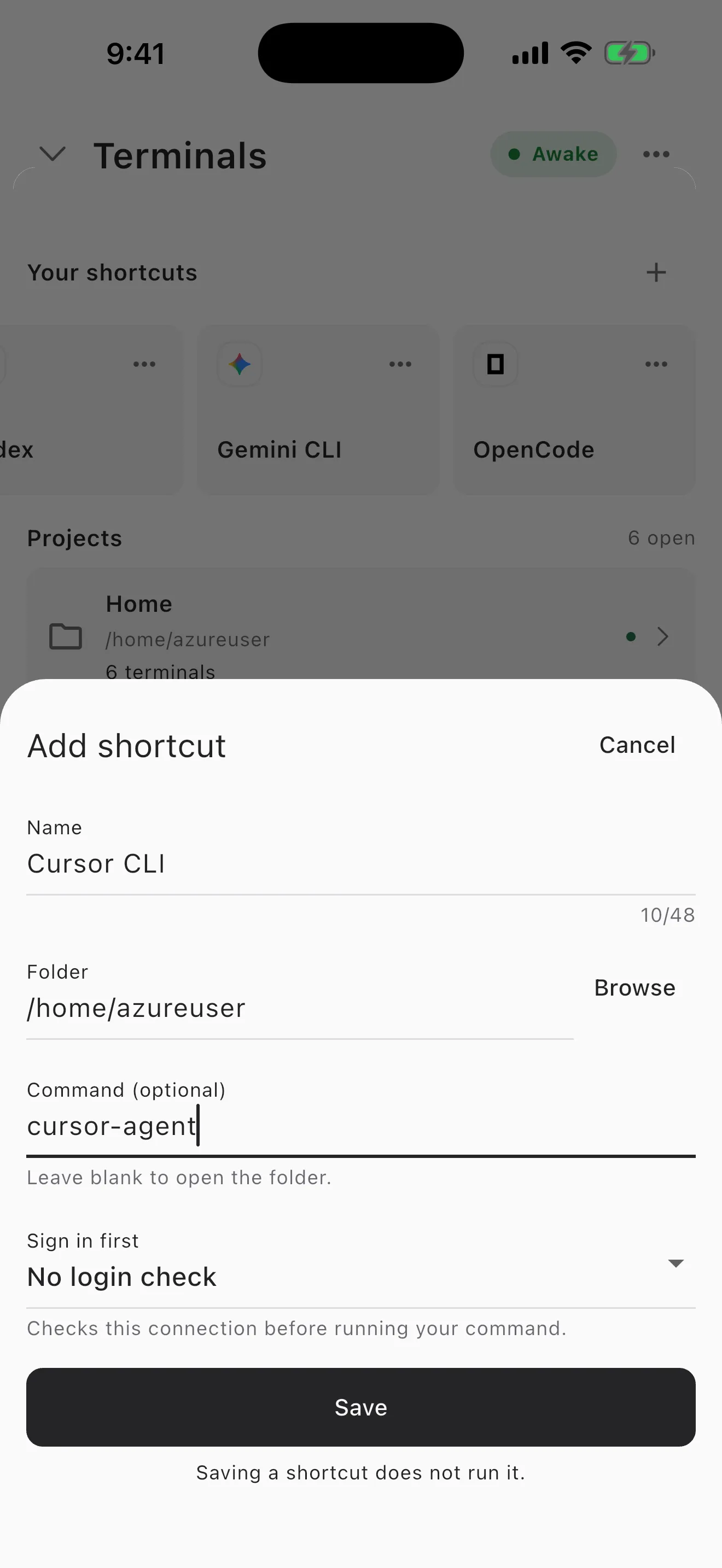
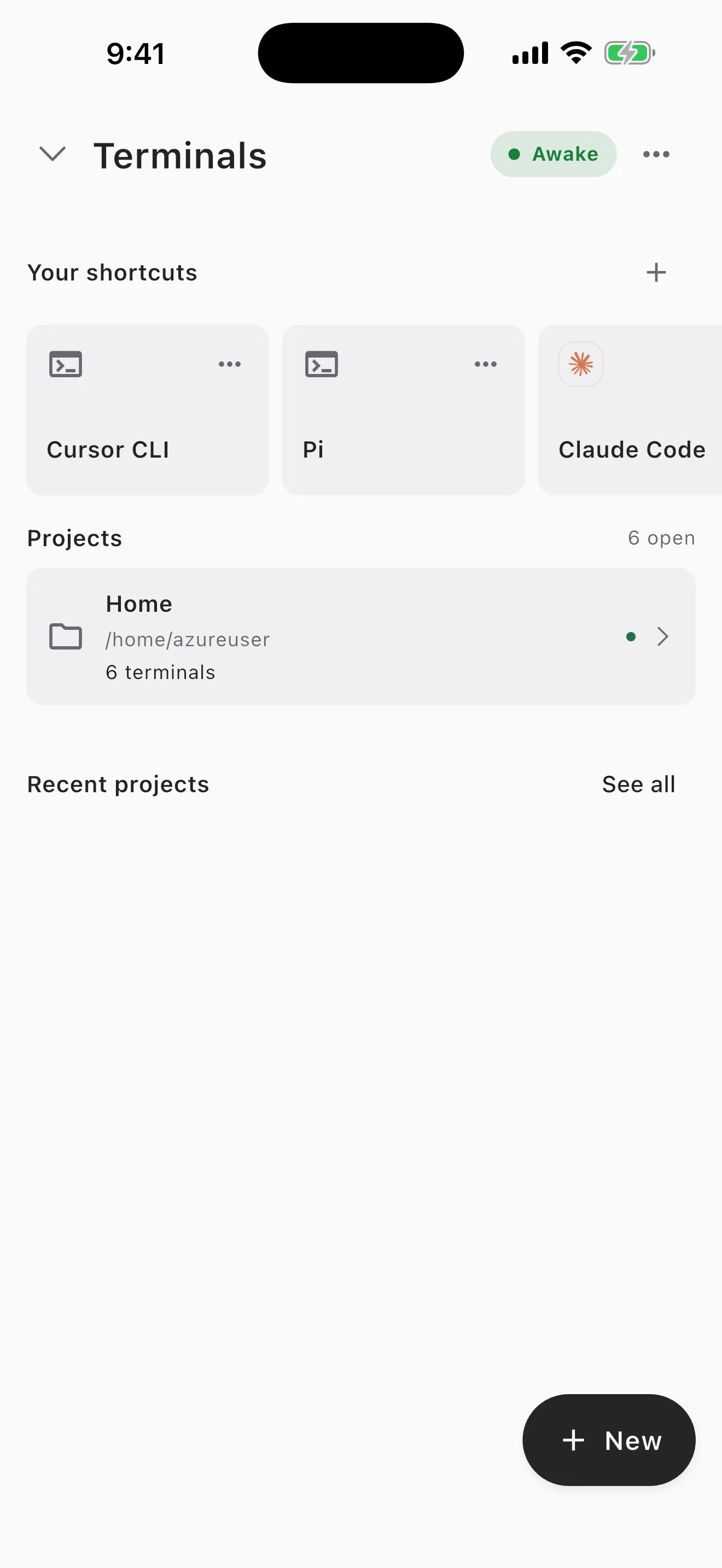
The Cursor CLI runs on macOS, Linux, and WSL, with no iPhone or Android
build. So to run cursor cli on phone you put it on a real Linux machine
and reach it. The fastest way: install
Cosyra for iOS or
Cosyra for Android, run
curl https://cursor.com/install -fsS | bash in the container, sign
in, and start agent in a repo. Two things to know before you type:
the command is agent, not cursor-agent, and it
installs as a native binary, not from npm. Here is each path.
Quick decision: pick the path you came for.
- Cloud container (Cosyra): you want
agentactually running somewhere your phone reaches, with no desktop left awake. Setup in ~5 minutes ↓ - What am I actually installing? You want the honest read on
the Cursor CLI, its
agentcommand, and what it costs before you commit. What the Cursor CLI is ↓ - Termux (Android): you want it on-device and need to know why a native glibc binary makes this uncertain. The libc caveat ↓
Not sure which fits? The side-by-side comparison ↓ lines the paths up on what runs where, and what each costs.
This guide was written by the Cosyra team. We checked every command against primary sources on 2026-07-10: the Cursor CLI page, the CLI overview docs, the authentication reference, and the CLI announcement post. Commands, the binary name, and the auth model below carry that date. We run Claude Code, Codex, OpenCode, and Gemini CLI in these containers in production, so the container half of this is a workflow we know cold; the Cursor CLI is a one-command add on top.
What is the Cursor CLI?
The Cursor Agent CLI is Cursor's headless terminal client — the same agent
you know from the Cursor editor, run from a shell instead of an IDE window.
Cursor announced it on 2025-08-07 and it is still labelled beta as of
2026-07-10. It installs as the agent command and, like every other
coding CLI, it expects a real shell, which is exactly why the phone is the wrong
place to run the process directly.
- Install:
curl https://cursor.com/install -fsS | bashon macOS, Linux, and WSL (native binary into~/.local/bin). There is no npm path — this is a compiled binary, not a Node package. - Command: the docs invoke
agent(agent login,agent --version,agent -p). The community namecursor-agentis not what the current docs use. - Platforms: macOS, Linux, WSL, and Windows native. No iOS or Android build.
- Auth:
agent login, or headless viaexport CURSOR_API_KEY=…. It runs as part of a Cursor subscription, not raw provider BYOK.
Here is an opinion Cursor's own positioning would push back on: for coding from a phone, the CLI is the surface that matters, and the subscription-coupling is a friction the CLI didn't need. Cursor leads with the editor and its cloud agents, and that is fair on a laptop. But on a train with a phone in your hand, a terminal agent running in a cloud shell is the thing that actually works. If you already hold Anthropic or OpenAI keys for the agents we pre-install, having the Cursor CLI bill through a separate Cursor plan instead of BYOK is a second wallet to think about. Good tool, honest quirk.
How can you run the Cursor CLI from a phone?
Three ways, in order of how well they work without a desktop: a cloud Ubuntu
container where agent actually runs (Cosyra), SSH or Codespaces to
your own Linux box, and Termux on Android (which we can't promise works because
of the native-binary libc mismatch).
1. Cosyra: curl-install the Cursor CLI in a cloud container
Cosyra is a native iOS and Android terminal connected to a persistent Ubuntu
24.04 x86_64 container. That is the exact glibc x86_64 Linux the Cursor
installer targets, so curl https://cursor.com/install -fsS | bash lands the agent binary and it executes in the container — nothing
of yours has to stay awake. We ship
four agent CLIs
pre-installed (Claude Code, Codex, OpenCode, Gemini), and the Cursor CLI is a
one-command add on top, which is honest to say plainly: we do not pre-install
it, you add it yourself.
- Works when: you want
agentrunning on demand from either platform with no home machine to maintain. - Breaks when: you have no internet — the container is in the cloud, so there is no offline mode.
- Cost: 1 hour free on signup, no credit card; a 10-hour, 7-day trial; then $29.99/month or $300/year. See pricing. Your Cursor subscription is separate and bills through Cursor.
2. SSH or Codespaces to your own Linux box
Install agent on a Linux machine you own (a home server, a VPS, or
a GitHub Codespace) and reach it from a phone SSH client. The CLI runs for real,
but you keep that box awake and manage the connection, which is the babysitting
a cloud container removes. If you want the SSH route in general, our mobile coding terminal guide walks through the client side.
3. Termux on Android: why we won't promise it
Here is the honest version, because guessing here is how bad advice spreads.
The Cursor installer ships a glibc native binary, and Android uses bionic
libc. A plain Termux install has an obvious mismatch that Node-based CLIs
avoid, because those run on a JavaScript runtime rather than a
compiled-for-glibc binary. The documented on-device route is a
proot-distro glibc chroot
inside Termux, which hands the binary the glibc userland it expects. It is plausible
that works. But we have not run agent that way on a device, so we
will not tell you it works or that it fails.
If you want to stay on-device, the credible route is a proot glibc distro inside Termux, the same pattern we walk through for a full Debian userland in running a Linux container on Android. Simpler and more reliable: a cloud x86_64 container, where the standard installer just works.
How do you run the Cursor CLI on iPhone or Android with Cosyra?
Four steps: install the app, install agent, sign in, and run it
in a repo.
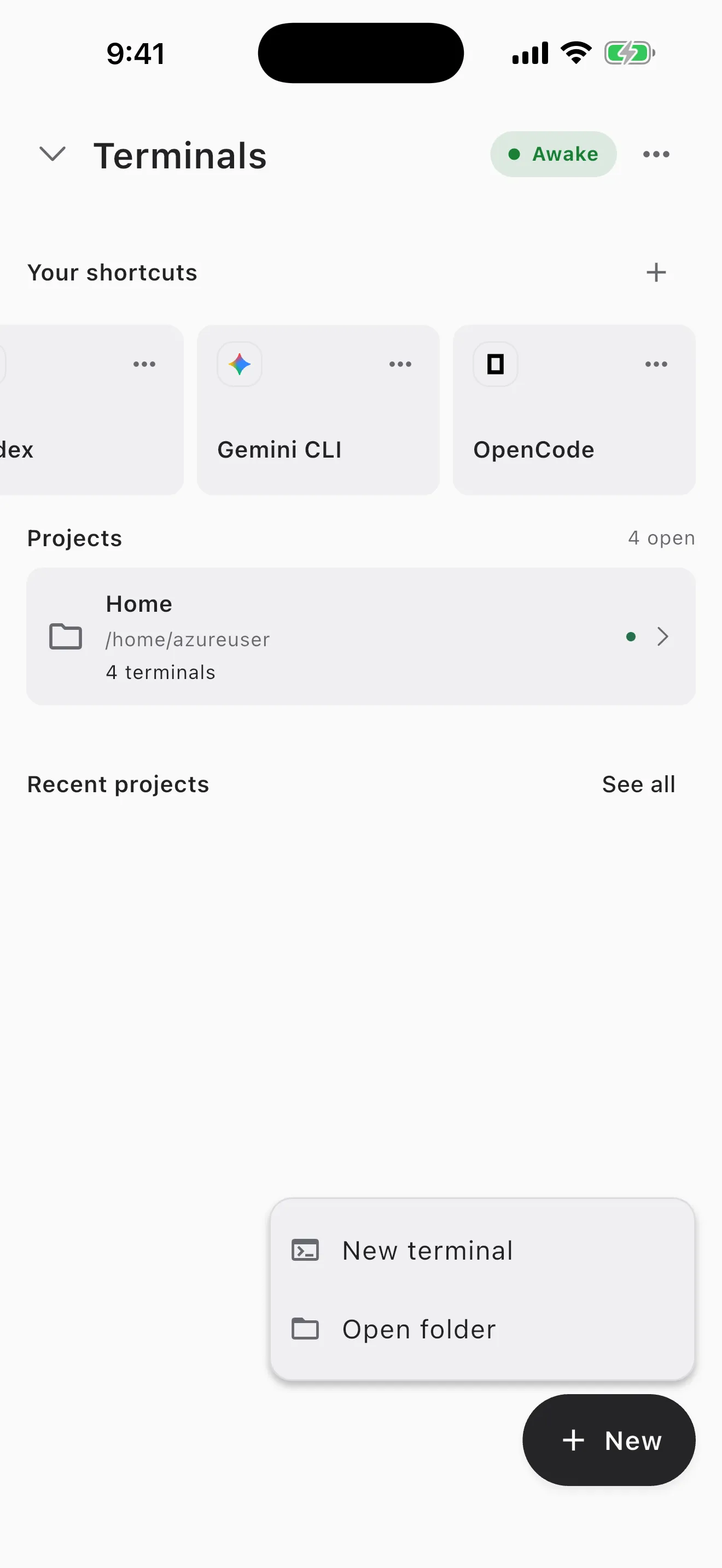
Step 1: Install Cosyra and sign in
Download from the App Store or Google Play. You land in a persistent Ubuntu 24.04 x86_64 container — the same glibc x86_64 Linux the Cursor installer targets, which is why the native binary lands cleanly here and not in a bionic Android shell.
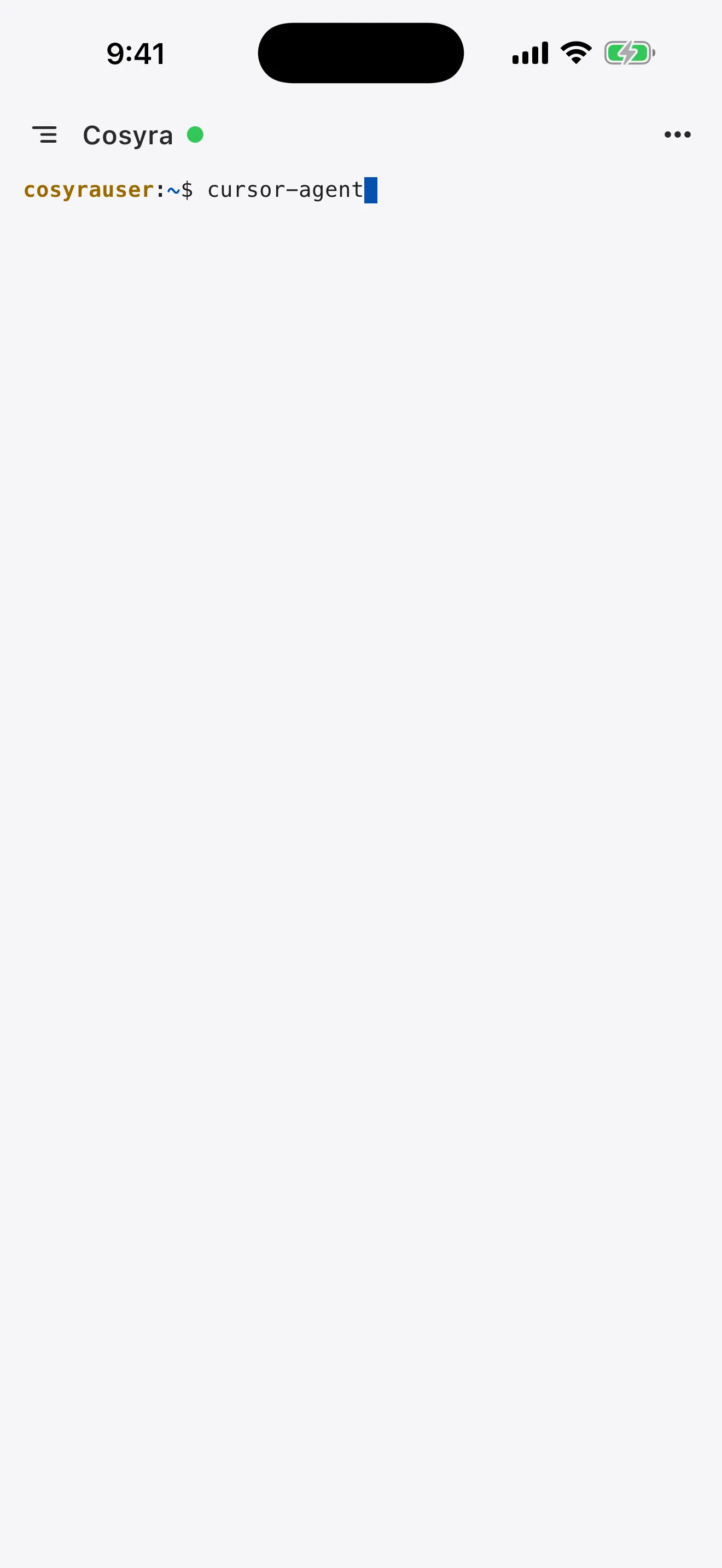
Step 2: Install the Cursor CLI
The Cursor CLI is not one of the four agents we pre-install, but it is a
one-command add. Run the curl installer, add ~/.local/bin to PATH,
then confirm the binary — and note the command is
agent:
$ cat /etc/os-release | head -1
PRETTY_NAME="Ubuntu 24.04 LTS"
$ curl https://cursor.com/install -fsS | bash
installed: ~/.local/bin/agent
$ export PATH="$HOME/.local/bin:$PATH"
$ agent --version
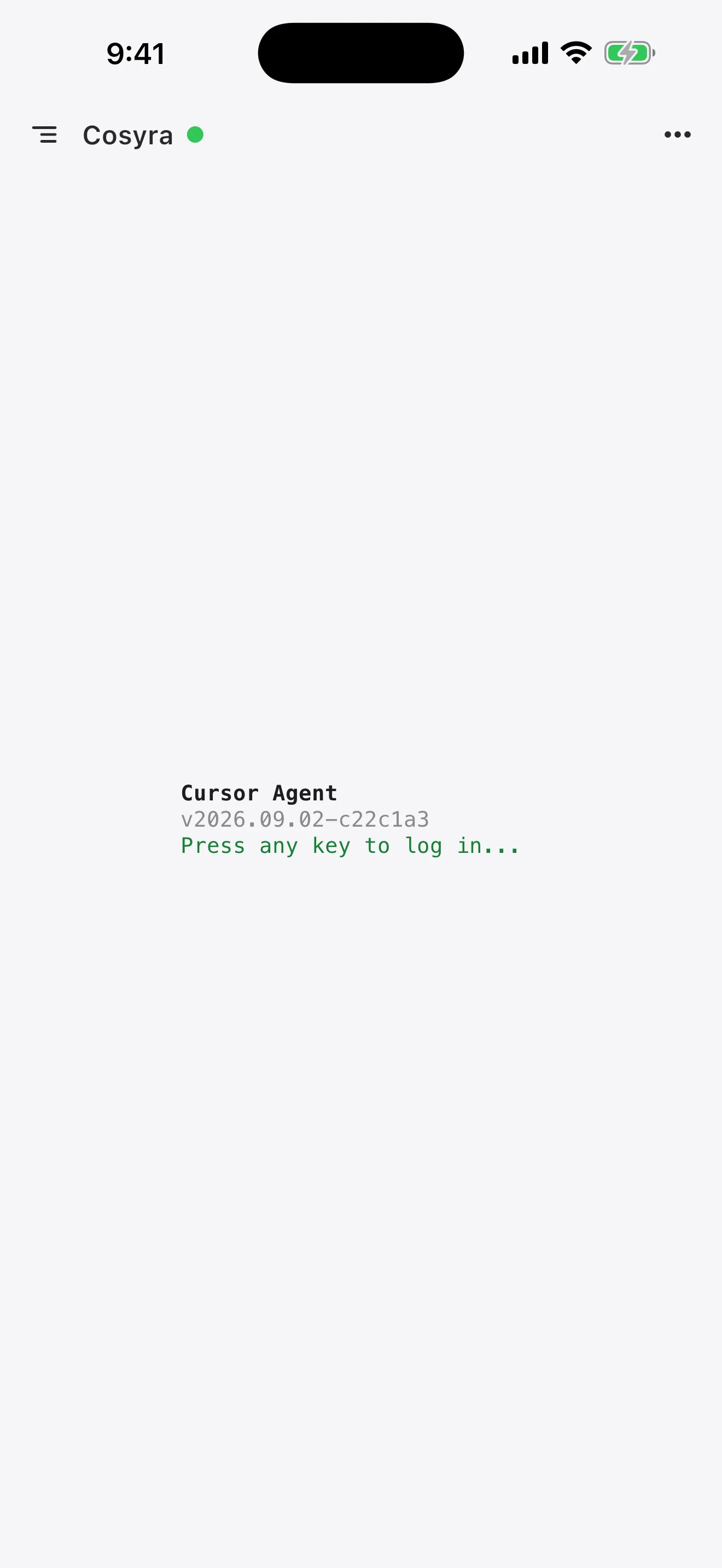
Step 3: Sign in (subscription, not BYOK)
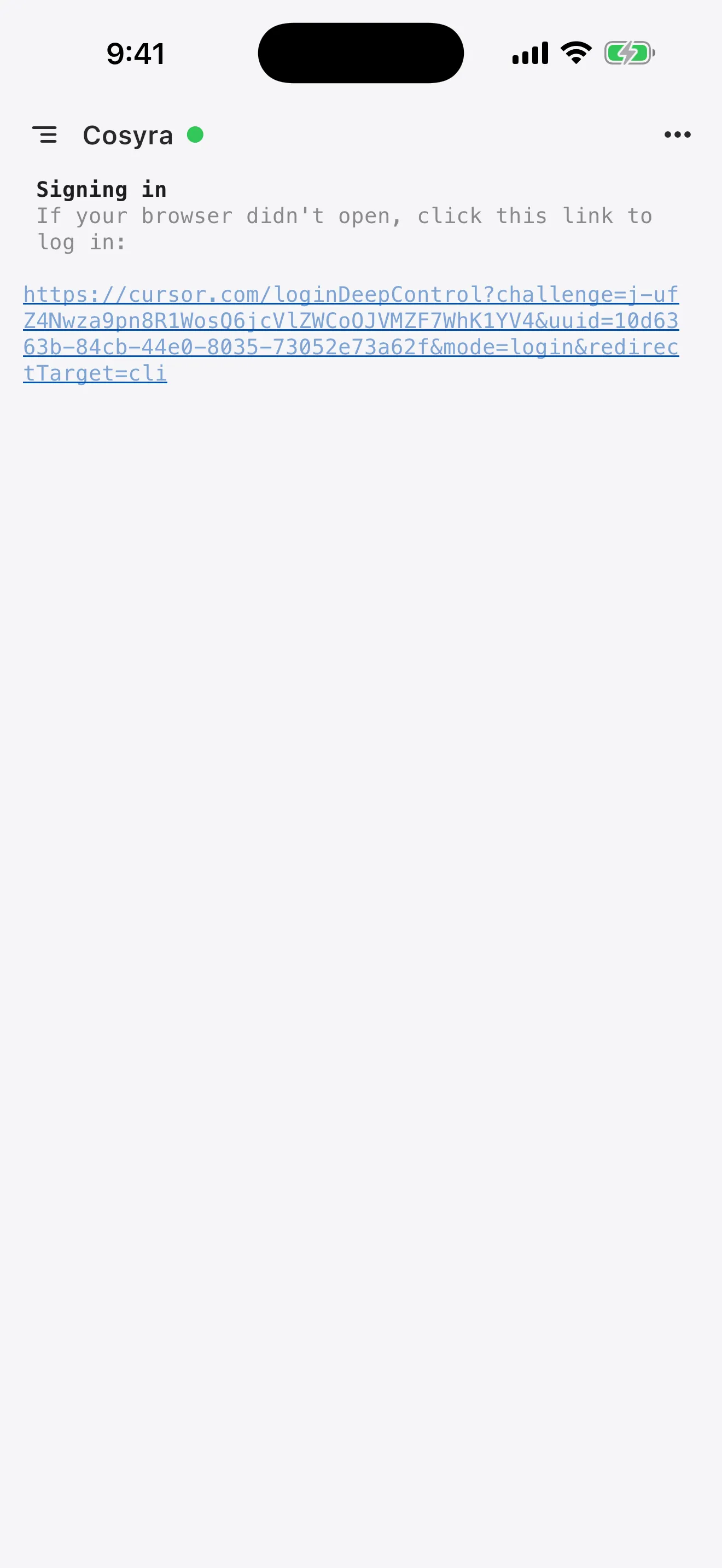
Unlike the BYOK agents we pre-install, the Cursor CLI signs in against your
Cursor subscription. Use agent login interactively, or set
CURSOR_API_KEY for headless and CI use. On a phone with no desktop
browser handy, NO_OPEN_BROWSER=1 agent login prints a URL you can
open in another tab.
$ agent login
→ opening browser to authenticate…
(headless: NO_OPEN_BROWSER=1 agent login)
$ export CURSOR_API_KEY=your_api_key_here
✓ Signed in (Cursor subscription)
Step 4: Clone a repo and start agent
$ git clone https://github.com/your-org/your-app.git
$ cd your-app && agent
Cursor Agent · type your request.
> Add input validation to the /signup handler
and a test for the empty-email case.
For scripts and CI you can skip the interactive UI with print mode:
agent -p "run the test suite and summarize failures" --output-format text. Because the container is persistent, you can start a change on the couch,
close the app, and pick the same session back up on an iPad at your desk.
Try it free. 1 hour on signup, no credit card. It is a real
Ubuntu 24.04 x86_64 box, so
curl https://cursor.com/install -fsS | bash lands the same binary
it does on any glibc Linux machine.
App Store /
Google Play /
Pricing details
What are the real limits of running the Cursor CLI on a phone?
- No offline mode. The container is in the cloud; no internet, no terminal. A local Termux install would run offline if the libc lined up, which is the honest trade-off.
- A separate subscription. The Cursor CLI bills through a Cursor plan, not raw BYOK. If your other agents are BYOK, that is a second account and a second bill to track.
- You add it yourself. The Cursor CLI is not pre-installed; the four we ship are Claude Code, Codex, OpenCode, and Gemini. Adding it is one curl command, but it is a step.
- Phone keyboards slow long prompts. Voice dictation and a Bluetooth keyboard help a lot. We think the phone keyboard is fine for agent-driven coding, where you write intent, not boilerplate — most people who disagree haven't tried it for a full session.
Cosyra vs SSH vs Termux for the Cursor CLI
Cosyra runs agent for real with nothing left awake; SSH or Codespaces
works if you already keep a Linux box on; Termux on Android is unverified because
of the glibc binary. The table lines them up, checked 2026-07-10.
| Feature | Cosyra | SSH / Codespaces | Termux |
|---|---|---|---|
| Cursor CLI actually runs | In the cloud container | On your own Linux box | Unverified (glibc binary) |
| Needs a machine you keep awake | No | Yes | n/a |
| Platforms | iOS + Android | Any phone SSH client | Android only |
| Install path | curl (native binary) | curl on your box | curl, but libc may mismatch |
| Setup time | ~5 min | Depends on your box | Uncertain |
| Cost (excl. Cursor plan) | $29.99/mo after trial | Your box + your time | Free |
Prefer one of the agents that is pre-installed? See Claude Code on phone, Codex CLI on phone, Gemini CLI on phone, and OpenCode on phone, or the pillar on AI coding agents on mobile. Looking for the Cursor editor on a phone rather than the CLI? See Cursor on phone. Weighing the hosted-container trade-off against Cursor as a whole? See Cosyra vs Cursor.
Frequently asked questions
Can you run the Cursor CLI on a phone?
Not as a native app. The Cursor Agent CLI (agent) is a
desktop terminal tool for macOS, Linux, and WSL, with no iOS or Android
build on cursor.com/cli or in the docs. The working path from a phone is
to install it in a cloud Linux container (Cosyra), where agent genuinely runs and your phone is the terminal, or to SSH from your phone to
your own Linux box that has it installed. Cursor's iOS app and its cloud-agents
page supervise cloud agents; they do not run the CLI on your device.
[source: Cursor CLI page, cursor.com/cli]
Is the command agent or cursor-agent?
The current Cursor docs invoke agent — agent login, agent --version, agent -p. The name
cursor-agent is the intuitive community search term and shows up
in older write-ups, but it is not what the shipped docs use as of 2026-07-10.
If a tutorial tells you to type cursor-agent and the shell says
command not found, try agent, and confirm the binary name in
your own install before scripting around it.
[source: Cursor CLI overview docs]
Does the Cursor CLI need a Cursor subscription, or can I use BYOK?
It runs as part of your Cursor subscription — the docs describe it working
with models as part of your Cursor plan, not as a raw
bring-your-own-provider-key tool. There is a CURSOR_API_KEY env
var for headless and CI use, but that key is generated in the Cursor dashboard
and still bills through Cursor. That is a real difference from the four agents
we pre-install, which are BYOK: you pay Anthropic, OpenAI, or Google directly.
Neither model is strictly better; they are different bills.
[source: Cursor CLI authentication reference]
How do you install the Cursor CLI — is there an npm package?
There is no npm package. You install it with the curl installer:
curl https://cursor.com/install -fsS | bash on macOS, Linux, and
WSL. It drops a native binary into ~/.local/bin, which you
add to PATH. That matters on a phone: unlike a Node CLI you would
npm install, this is a compiled binary, so the CPU
architecture and libc of wherever you run it have to match — a glibc
x86_64 Linux container is the clean target.
[source: Cursor CLI overview docs, installation]
Does the Cursor CLI work in Termux on Android?
We do not know, and we will not claim either way without a hands-on test.
The installer ships a glibc native binary, and Android uses bionic libc,
so a plain Termux install has an obvious mismatch that Node-based CLIs
avoid. The documented on-device route is a proot-distro glibc chroot
inside Termux, which gives the binary the glibc userland it expects. We
have not run agent that way ourselves, so we won't promise it.
The reliable Android path is a cloud x86_64 Linux container, where the standard
installer just works.
[source: Cursor CLI overview docs, supported platforms]
Is the Cursor CLI the same as the Cursor iOS app?
No. Cursor shipped a native iOS app in public beta on 2026-06-29, but it supervises Cursor's cloud background agents — you queue and review agent work from the phone. It does not put an interactive terminal or the agent binary on your device. So the iOS app and the CLI are two different surfaces: the app is remote control for cloud agents, the CLI is a shell tool you run on a real Linux machine. On a phone, only the CLI-in-a-container path gives you an actual terminal.
tl;dr
The Cursor Agent CLI (agent) is desktop-only (macOS, Linux,
WSL, Windows, no mobile app), installs as a native binary via
curl https://cursor.com/install (no npm), and runs as part of a
Cursor subscription, not raw BYOK. To run it from a phone, install it in a cloud
Ubuntu container (Cosyra), sign in with agent login or
CURSOR_API_KEY, and run agent in a repo. Termux on
Android is unverified because the glibc binary meets bionic libc.
App Store / Google Play. 1 hour free, no credit card.
Run the Cursor CLI from your phone.
Install Cosyra, curl https://cursor.com/install -fsS | bash,
sign in, and go.